Every 39 seconds, a cyberattack occurs somewhere on the internet. In 2026, credential theft remains the #1 entry point for data breaches — ahead of phishing, ransomware, and insider threats combined.
Yet millions of people still use passwords like “Password123” or their dog’s name. Why? Because strong passwords are hard to remember, and weak ones are easy to hack.
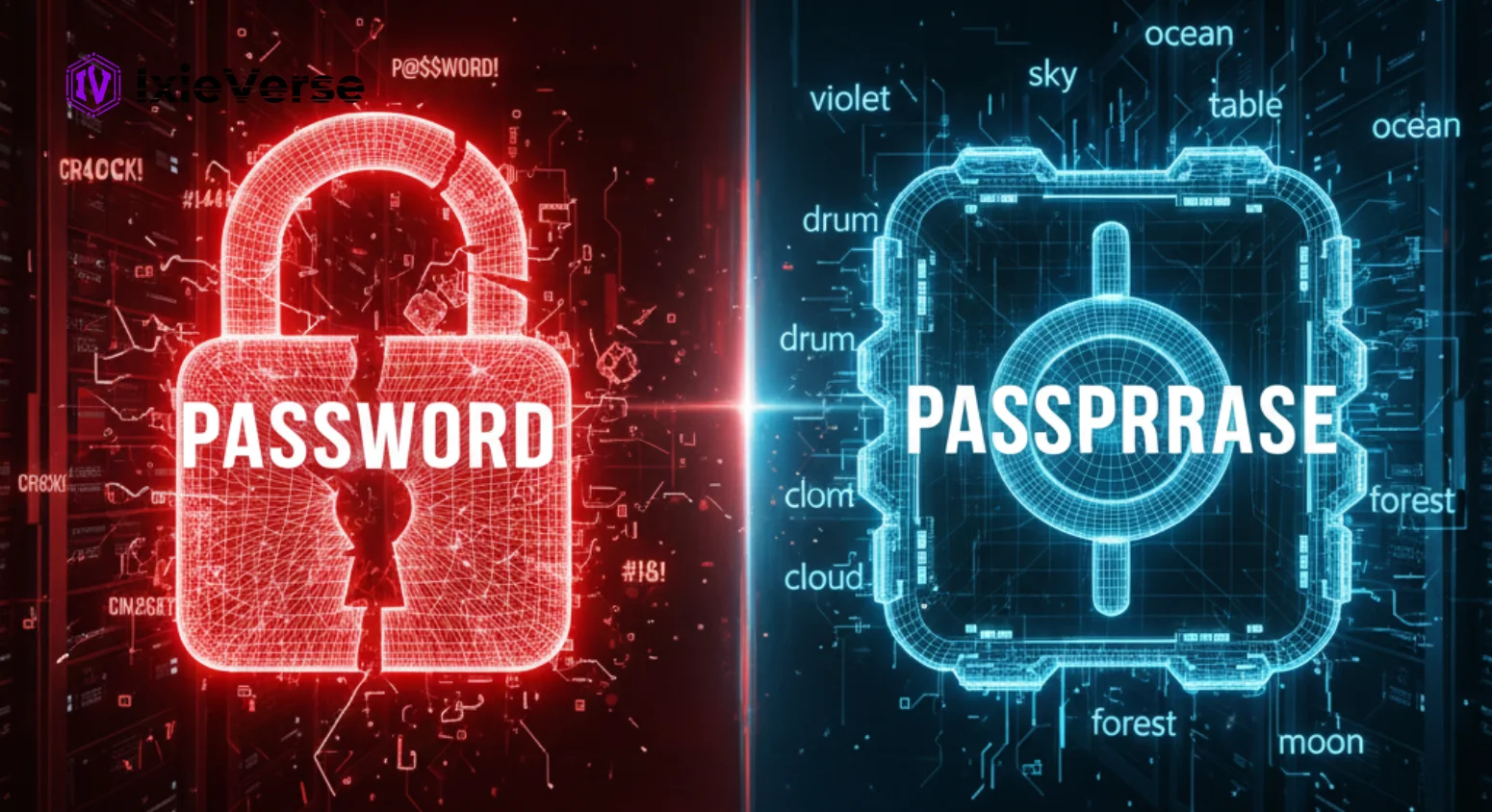
Enter the passphrase — a longer, memorable, multi-word security phrase that security experts, NIST, and major tech companies now recommend over traditional passwords. But is it actually safer?
This guide breaks down the passphrase vs password debate with real data, side-by-side comparisons, and actionable recommendations — optimized for 2026 security standards.
Quick Answer:
Passphrases are significantly safer than traditional passwords for most users in 2026. A passphrase like correct-horse-battery-staple is both more memorable and exponentially harder to crack than a complex password like P@$$w0rd123. NIST’s 2024–2026 Digital Identity Guidelines recommend length over complexity. Read on for the full breakdown, real examples, and how to generate bulletproof passphrases instantly.
 ChatGPT
 Grok
Grok
 Claude
 Perplexity
 Google AI
- 1 What Is a Password?
- 2 What Is a Passphrase?
- 3 Passphrase vs Password: The Core Differences
- 4 Why Passphrases Are Safer: The Science of Entropy
- Password Entropy Example
- Passphrase Entropy Example
- 5 How to Create a Strong Passphrase (Step-by-Step)
- 6 Common Myths About Passphrases
- Myth #1: “A complex password with symbols is more secure than a passphrase”
- Myth #2: “Passphrases are too long to type”
- Myth #3: “Dictionary attacks can crack passphrases”
- 7 What Does NIST Say? (2024–2026 Guidelines)
- 8 Examples of Strong Passphrases vs Weak Passwords
- 9 When to Use a Passphrase vs a Password
- Use a Passphrase When:
- A Strong Password May Suffice When:
- Neither Is Enough Without:
- 10 Passphrase + Password Manager: The Best of Both Worlds
- 11 2026 Trends: How AI Is Changing Password Security
- AI on the Attacker Side
- AI on the Defender Side
- 12 Conclusion: The Verdict for 2026
- 13 Frequently Asked Questions
- Q1: What is the difference between a passphrase and a password?
- Q2: Are passphrases actually safer than passwords?
- Q3: How many words should a passphrase have?
- Q4: Does NIST recommend passphrases over passwords?
- Q5: Can a passphrase be hacked?
- Q6: What is a good example of a passphrase?
- Q7: Should I use a passphrase or a password manager?
- Q8: Is a passphrase better than two-factor authentication (2FA)?
What Is a Password?
A password is a short, secret string of characters — typically 8–16 characters — used to authenticate a user’s identity. Passwords often mix letters, numbers, and symbols (e.g., P@$$w0rd!). While widely used, short passwords are increasingly vulnerable to brute force, dictionary, and credential stuffing attacks in 2026.
What Is a Passphrase?
A passphrase is a sequence of multiple random words used as a security credential, typically 4–7 words long (e.g., correct-horse-battery-staple). Passphrases are significantly longer than passwords — usually 20–40 characters — making them exponentially harder to crack while being far easier for humans to remember.
Passphrase vs Password: The Core Differences
| Factor | Password | Passphrase |
|---|---|---|
| Typical Length | 8–16 characters | 20–40+ characters |
| Memorability | Hard (random symbols) | Easy (real words) |
| Entropy (Security) | ~40–60 bits | ~77–128+ bits |
| Brute Force Resistance | Moderate | Extremely High |
| Dictionary Attack Risk | High | Very Low (random words) |
| User Adoption | High (legacy habit) | Growing rapidly |
| NIST 2026 Recommendation | Minimum 8 chars (discouraged) | Preferred method |
| Password Manager Friendly | Yes | Yes |
| Works with MFA | Yes | Yes |
| Example | P@$$w0rd123 | violet-sky-rocket-dream |
Why Passphrases Are Safer: The Science of Entropy
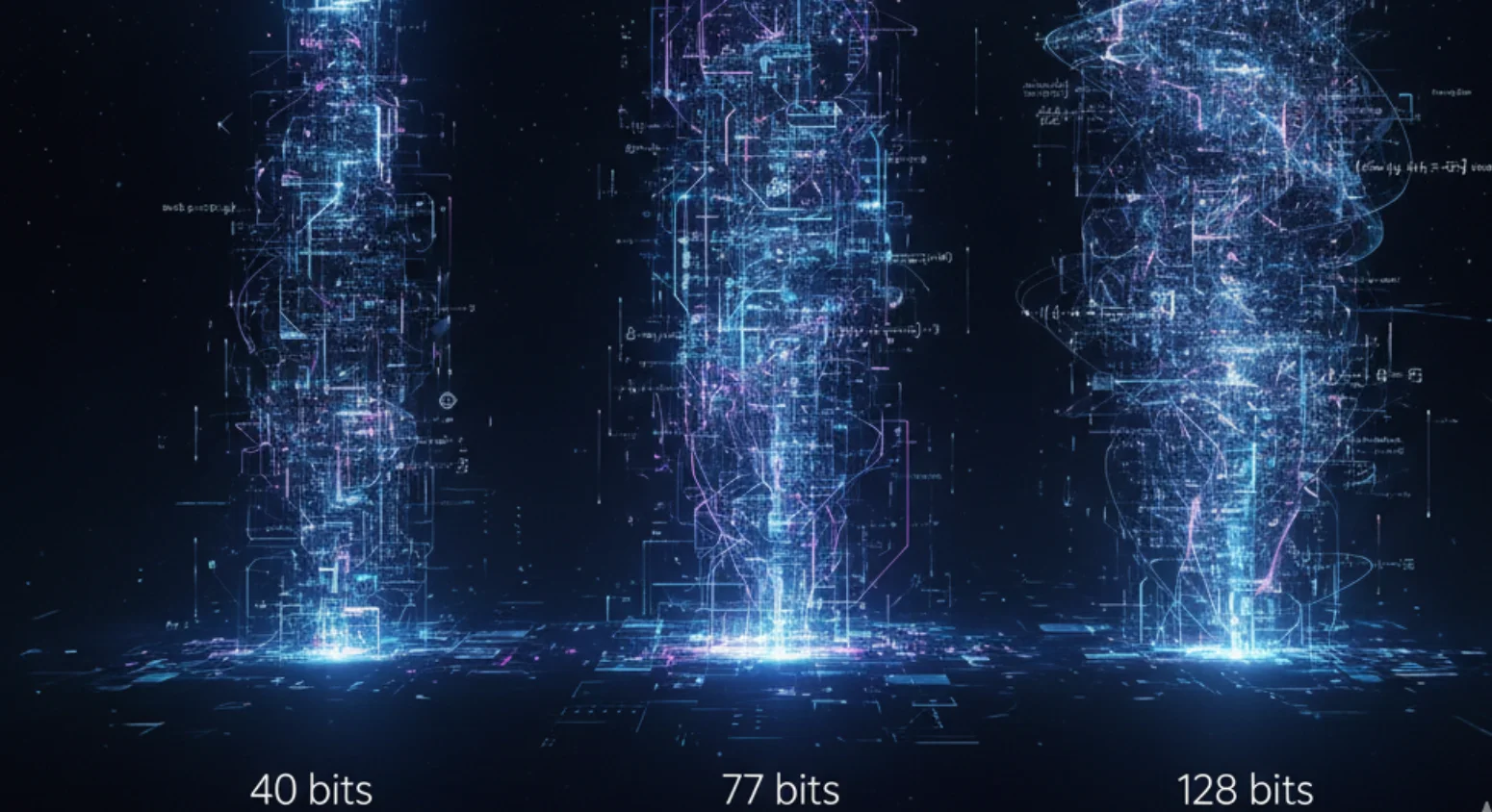
Security strength is measured in bits of entropy — the higher the number, the longer it takes to crack. Here’s how passwords and passphrases compare:
Password Entropy Example
- An 8-character password using uppercase, lowercase, numbers, symbols (94 possible characters)
- Entropy ≈ 52 bits
- Time to crack (2026 GPU cluster): Under 3 hours
Passphrase Entropy Example
- A 4-word passphrase from a 7,776-word Diceware list
- Entropy ≈ 51.7 bits per word × 4 = ~77 bits total
- A 6-word passphrase reaches ~93 bits
- Time to crack: Thousands of years with current technology
| Why Passphrases Are More Secure? Passphrases are more secure than passwords because they are longer, producing higher entropy. A 4-word random passphrase (e.g., tiger-lamp-ocean-flask) has approximately 77 bits of entropy, while a typical 8-character complex password has only 40–52 bits. More bits = exponentially harder to crack. |
How to Create a Strong Passphrase (Step-by-Step)
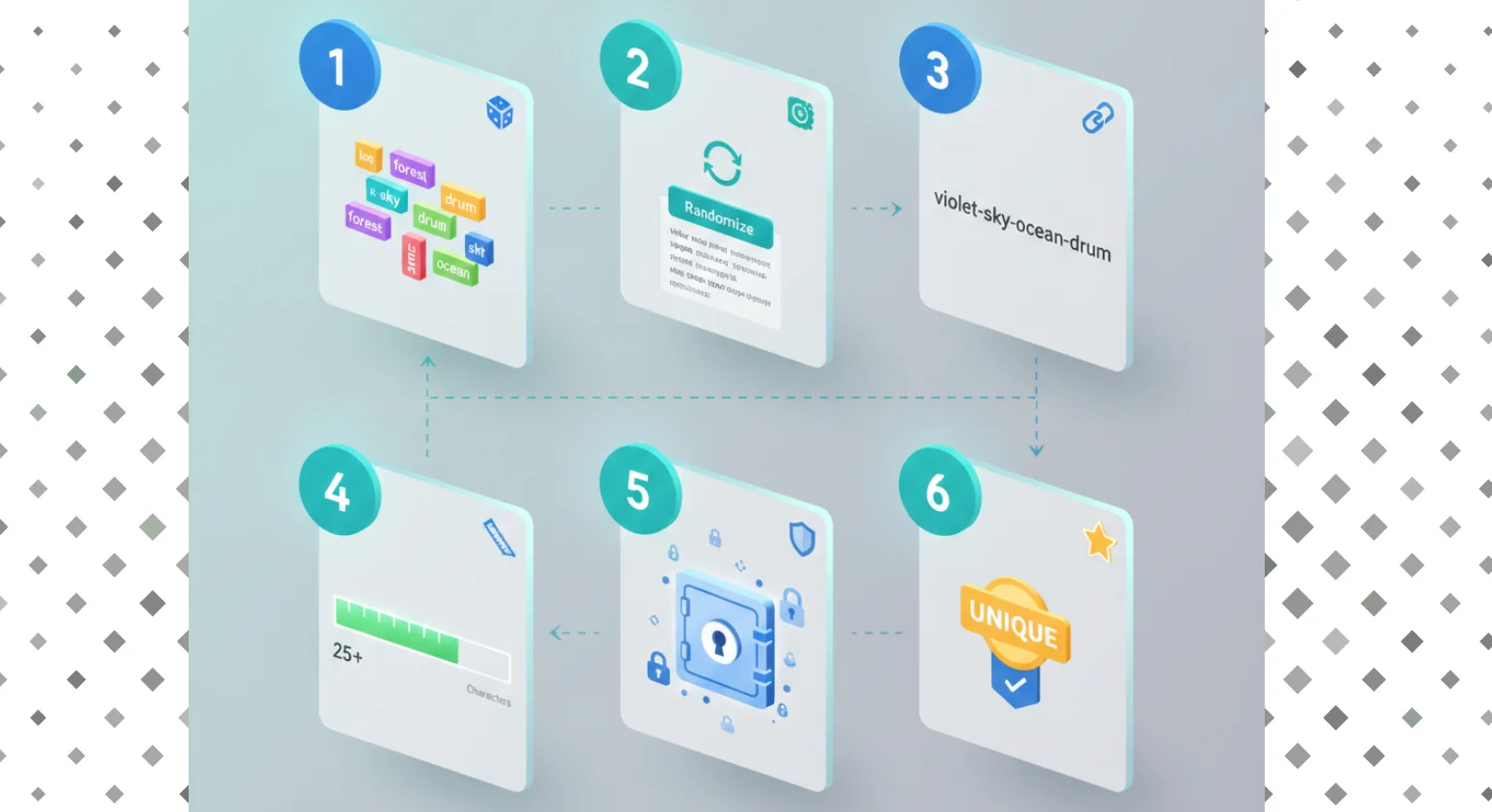
Creating a strong passphrase is simpler than you think. Follow these steps:
- Choose 4–6 completely random, unrelated words
→ Avoid common phrases, song lyrics, or movie quotes
- Use a randomizer — don’t pick the words yourself
→ Human “random” choices are predictable. Use a tool.
- Separate words with hyphens, spaces, or numbers
→ Example: violet-drum-42-coast-noodle
- Aim for 20+ characters minimum
→ Longer = stronger, always.
- Store it in a reputable password manager
→ Even passphrases benefit from secure storage.
- Never reuse the same passphrase across sites
→ Each account = unique passphrase.
| Generating truly random passphrases manually is difficult. IxieVerse Password Generator solves this instantly. With one click, you can generate: Cryptographically random multi-word passphrases. Custom word count (4, 5, or 6 words). Optional numbers and symbols for extra entropy. High-strength passwords if you prefer traditional format. |
Explore: How Hackers Crack Passwords & How to Prevent It
Common Myths About Passphrases
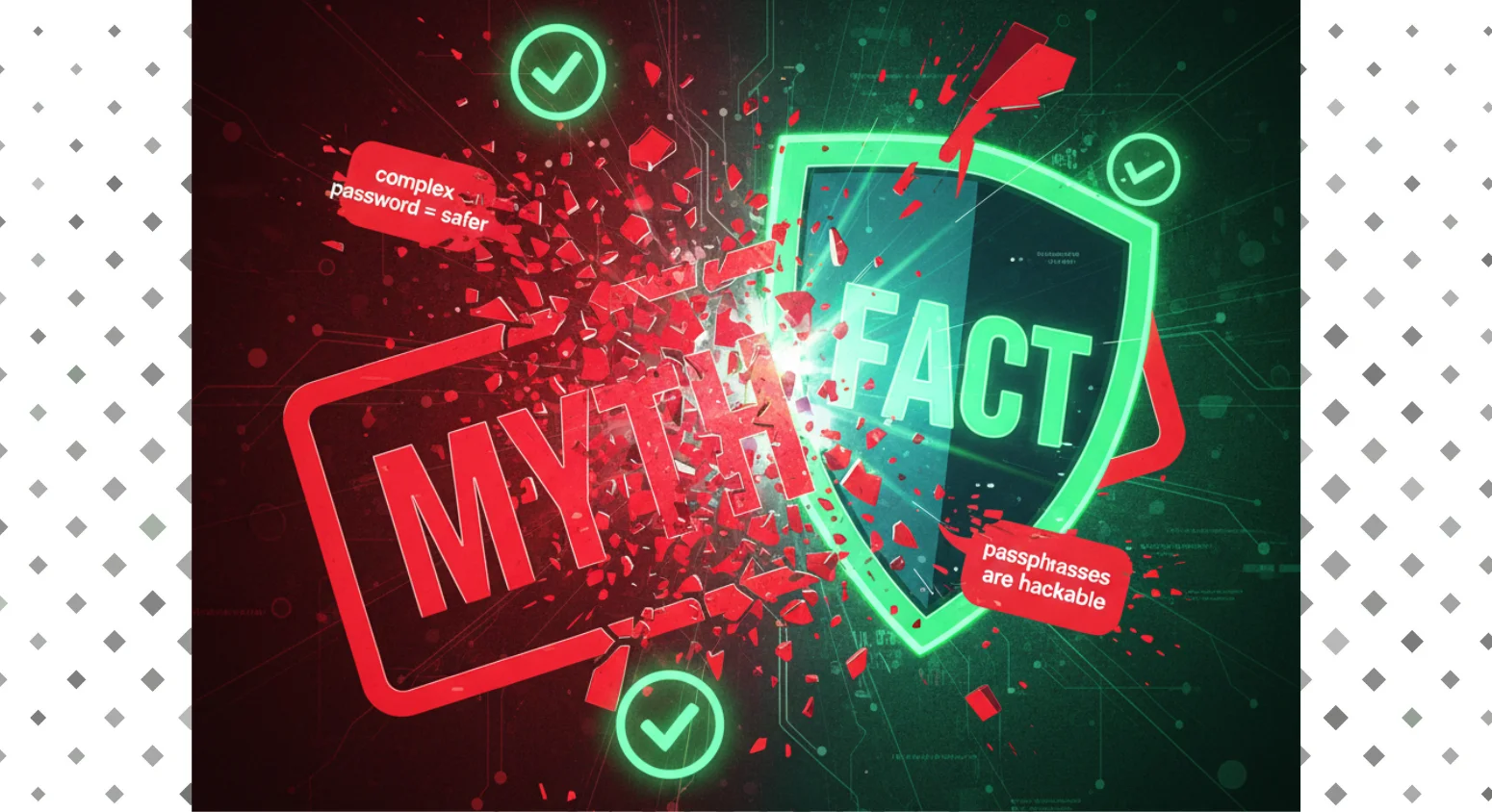
Myth #1: “A complex password with symbols is more secure than a passphrase”
Complexity ≠ security. A 12-character complex password has ~78 bits of entropy. A 5-word random passphrase has ~86 bits — and is dramatically easier to remember. Length wins every time.
Myth #2: “Passphrases are too long to type”
Real words are faster to type than random symbol strings. Most users find passphrases quicker to enter because they can be typed in a natural rhythm, unlike P@$$w0rd!7gX.
Myth #3: “Dictionary attacks can crack passphrases”
Standard dictionary attacks target single words. A 4-word random combination from a 7,776-word list creates 7,776⁴ = over 3.6 trillion possibilities. Even advanced attacks would take thousands of years with 2026-era hardware.
What Does NIST Say? (2024–2026 Guidelines)
The National Institute of Standards and Technology (NIST) updated its Digital Identity Guidelines (SP 800-63B) with significant changes that favor passphrases:
| NIST Guideline (2024–2026) | Old Recommendation | New Recommendation |
|---|---|---|
| Minimum password length | 8 characters | 15 characters minimum |
| Complexity requirements | Mandatory symbols/numbers | No longer required |
| Periodic resets | Every 90 days | Only after breach suspicion |
| Passphrase support | Optional | Explicitly recommended |
| Max password length | Often limited to 16 | Allow up to 64+ characters |
| Password hints | Allowed | Prohibited |
Key takeaway: NIST explicitly removed mandatory complexity rules and now recommends longer passwords — which are, by definition, passphrases.
Examples of Strong Passphrases vs Weak Passwords
| Example | Type | Strength | Est. Crack Time (2026) |
|---|---|---|---|
| password | Weak Password | ⭐ | < 1 second |
| P@$$w0rd! | Common Password | ⭐⭐ | < 2 minutes |
| Tr0ub4dor&3 | Complex Password | ⭐⭐⭐ | ~3 days |
| X#9mK2!qLp@vZ | Strong Password | ⭐⭐⭐⭐ | ~40 years |
| violet-sky-ocean-drum | 4-Word Passphrase | ⭐⭐⭐⭐ | ~500 years |
| forest-42-river-kite-moon | 5-Word Passphrase | ⭐⭐⭐⭐⭐ | ~150,000 years |
| cloud-brick-jazz-tiger-19-lamp | 6-Word Passphrase | ⭐⭐⭐⭐⭐ | Billions of years |
Note: Crack time estimates based on a 100-billion-guess-per-second attack using 2026 GPU hardware benchmarks. Real-world protections (rate limiting, account lockouts) make these figures even more conservative.
When to Use a Passphrase vs a Password
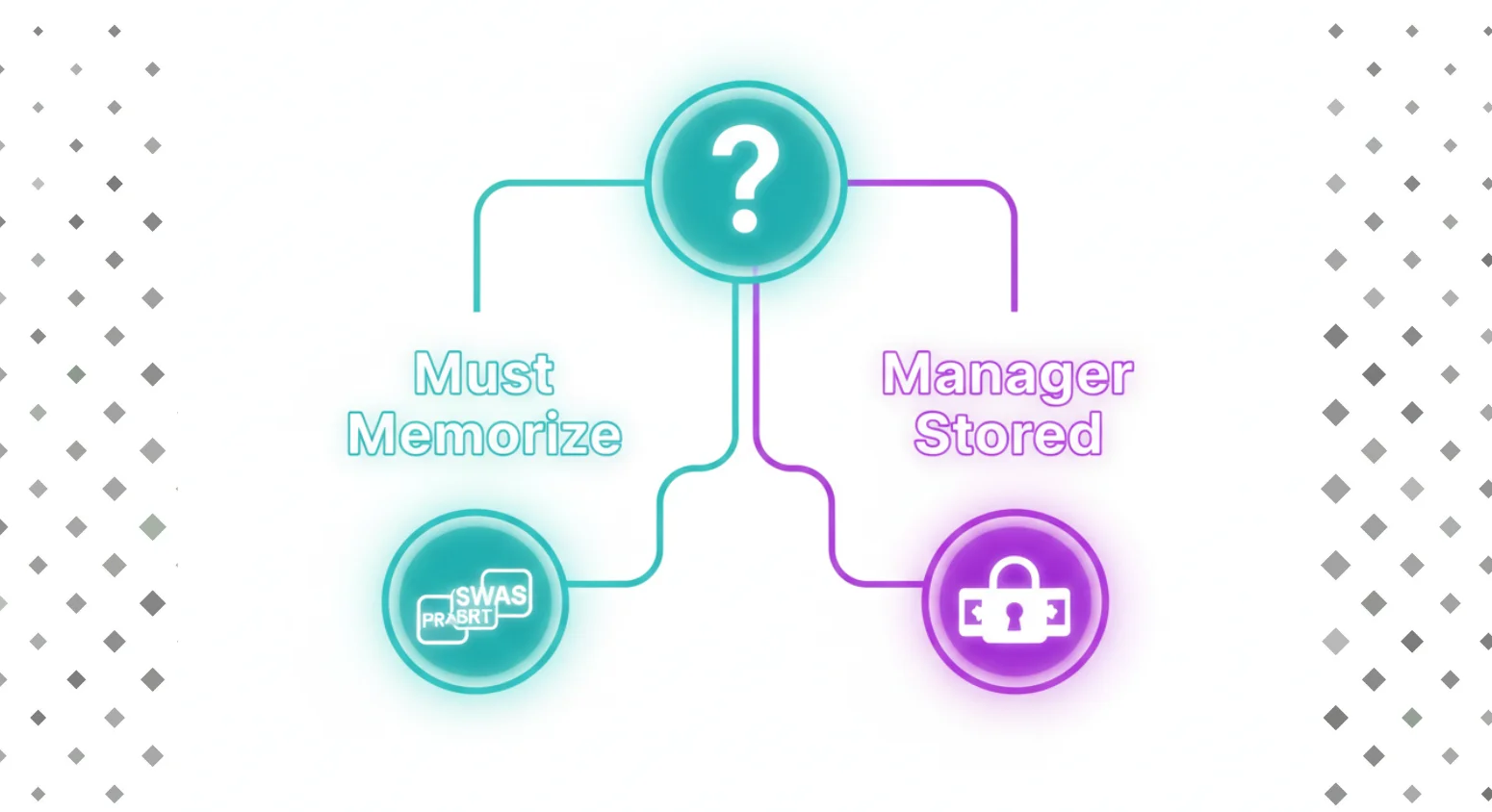
Use a Passphrase When:
- Securing your main email account
- Setting up your password manager master password
- Logging into banking or financial services
- Creating your primary device login
- Any account where you must memorize credentials
- Encrypting sensitive files or hard drives (VeraCrypt, BitLocker)
A Strong Password May Suffice When:
- The system is managed by a password manager (random generation is fine)
- The account already uses passkeys / FIDO2 / biometrics
- It’s a low-risk, throwaway account
- The service limits password length (sadly still common)
Neither Is Enough Without:
- Multi-Factor Authentication (MFA/2FA) — always enable it
- Using unique credentials per account — never reuse
- Regular monitoring for data breaches (use HaveIBeenPwned.com)
Discover: Common Password Mistakes to Avoid in 2026
Passphrase + Password Manager: The Best of Both Worlds
In 2026, the consensus among security experts is clear: use a passphrase as your password manager’s master password, then let the manager generate and store unique random passwords (or passphrases) for every other account.
| Strategy | Security Level | Usability | Recommended For |
|---|---|---|---|
| Passphrase only (remembered) | Very High | High | Critical accounts you must memorize |
| Password manager + random passwords | Very High | High | All other accounts |
| Passphrase as master password | Extremely High | High | Password manager master key |
| Passkeys / FIDO2 (no password at all) | Highest | Very High | 2026 ideal for supported sites |
| Weak memorable password | Low | High | Not recommended anywhere |
| Use IxieVerse Password Generator to create a 5–6 word passphrase for your password manager master password (write it down and store it safely), then use IxieVerse to generate strong random passwords for all individual accounts stored in your manager. This two-layer approach gives you maximum security with minimum friction. |
2026 Trends: How AI Is Changing Password Security
AI has transformed both sides of the security equation — attackers and defenders alike.
AI on the Attacker Side
- AI-powered password cracking tools now attempt billions of guesses per second
- Machine learning models predict “human-chosen” passwords with alarming accuracy
- Credential stuffing attacks are now fully automated and AI-assisted
- Social engineering + AI deepfakes bypass some MFA methods
AI on the Defender Side
- AI-powered threat detection identifies unusual login patterns instantly
- Behavioral biometrics supplement passwords invisibly
- Password managers now use AI to audit and suggest stronger credentials
- Zero-trust architectures reduce password exposure significantly
Conclusion: The Verdict for 2026
The passphrase vs password debate has a clear winner in 2026: passphrases.
They are longer, more memorable, resistant to AI-powered attacks, endorsed by NIST, and compatible with every authentication system that supports traditional passwords. The only thing stopping most people is habit — and habit is easy to change.
The transition is simple: generate a strong 5-word passphrase for your most critical account (your password manager), store everything else securely, and pair every account with multi-factor authentication.
| By 2027–2028, passkeys (FIDO2/WebAuthn) will likely replace both passwords and passphrases for most consumer accounts. But until universal adoption arrives, the passphrase remains the gold standard. Think of it as the bridge between vulnerable passwords and a passwordless future. |
Frequently Asked Questions
Q1: What is the difference between a passphrase and a password?
A password is a short, complex string of characters (typically 8–16), while a passphrase is a sequence of 4–7 random words (typically 20–40+ characters). Passphrases are longer, more memorable, and significantly harder to crack due to higher entropy.
Q2: Are passphrases actually safer than passwords?
Yes. Passphrases generate more entropy (security bits) than typical passwords due to their length. A 4-word random passphrase (~77 bits) is far more resistant to brute force than a complex 10-character password (~66 bits), and is dramatically easier to remember.
Q3: How many words should a passphrase have?
Security experts recommend at least 4 random words for basic security, 5–6 words for high-security accounts (email, banking, password managers), and consider adding a number or symbol between words for extra strength. Never use 3 or fewer words — that can be cracked.
Q4: Does NIST recommend passphrases over passwords?
Yes. NIST’s updated SP 800-63B guidelines (2024–2026) explicitly support longer passwords (passphrases) and removed mandatory complexity requirements. NIST now recommends a minimum of 15 characters and supports up to 64+ characters — a passphrase-friendly stance.
Q5: Can a passphrase be hacked?
Technically yes, but practically no — if done correctly. A truly random 4-word passphrase would take thousands of years to brute-force with 2026 hardware. However, passphrases based on common phrases (e.g., “to be or not to be”) or predictable patterns are vulnerable.
Q6: What is a good example of a passphrase?
Good passphrase examples include: violet-sky-ocean-drum, forest-42-river-kite-moon, or brick-jazz-tiger-19-cloud-lamp. The key: words must be random and unrelated. Avoid phrases from books, songs, or personal references.Use IxieVerse Password Generator to generate verified random passphrases instantly.
Q7: Should I use a passphrase or a password manager?
Both. The recommended 2026 approach: use a strong 5–6 word passphrase as your password manager’s master password (memorized), then let the manager generate and store unique credentials for every other account. This combines the memorability of passphrases with the convenience of a manager.
Q8: Is a passphrase better than two-factor authentication (2FA)?
No — they serve different purposes and work best together. A strong passphrase protects your credential (something you know). 2FA adds a second layer (something you have or are). For maximum security in 2026, use both: a strong passphrase AND multi-factor authentication on every important account.




![50 Best Website Design Examples for Inspiration [2026]](https://ixieverse.com/wp-content/uploads/2026/08/Best-Website-Design-Examples-150x150.webp)
Add a Comment