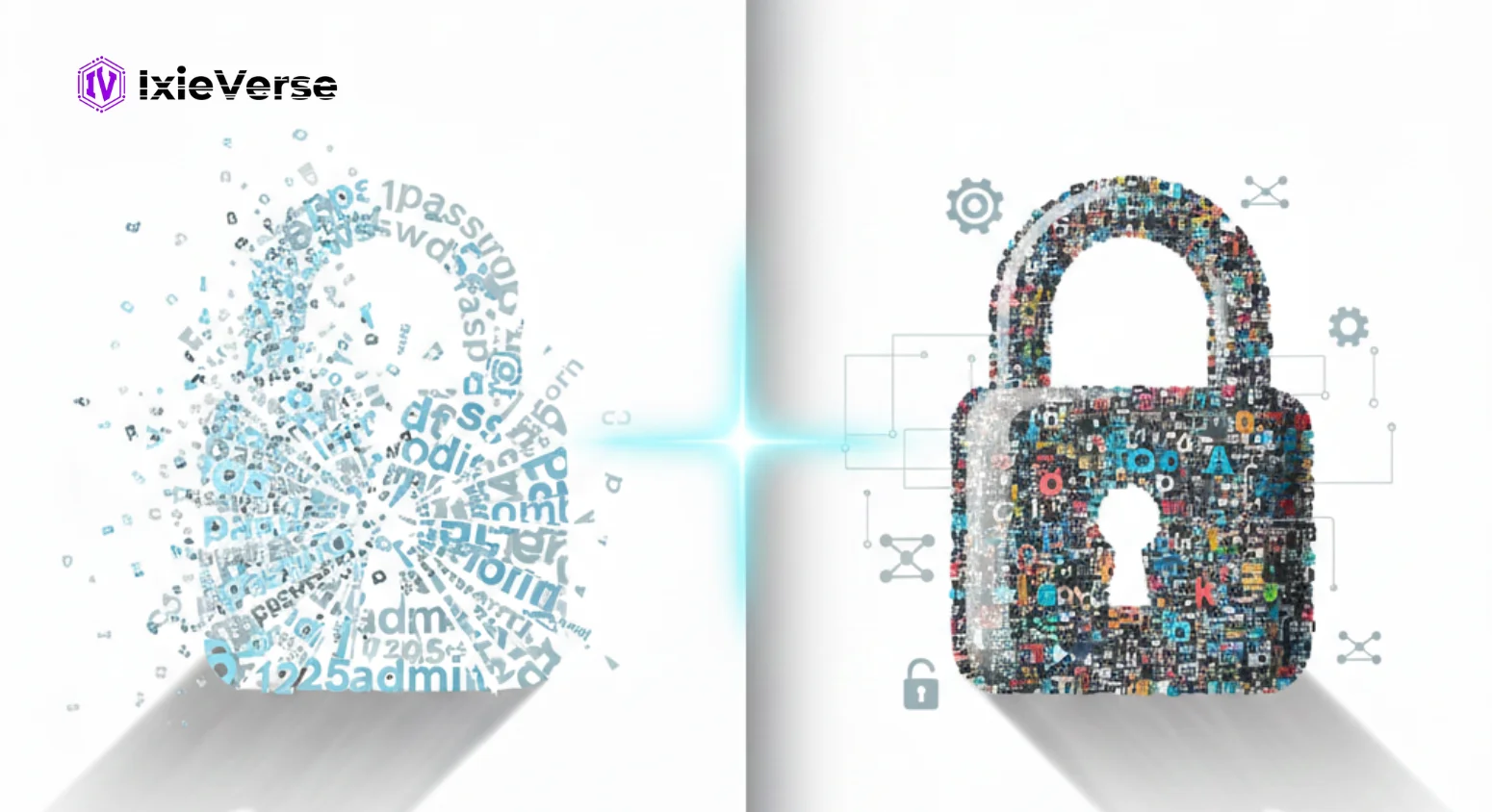
Most people don’t get hacked because they’re careless. They get hacked because they reuse passwords, trust “almost strong” ones, or think a data breach won’t happen to them. It’s usually one small mistake that opens the door.
Weak passwords and common password mistakes are still one of the biggest reasons accounts get compromised. And the worst part? Many of these issues are easy to fix once you know what to look for. This guide breaks down the most common password mistakes, explains why they’re risky, and shows you how to create strong passwords that actually protect your accounts.
 ChatGPT
 Grok
Grok
 Claude
 Perplexity
 Google AI
- 1 Top Password Mistakes People Still Make
- Using the Same Password for Multiple Accounts
- Choosing Weak or Common Passwords
- Using Personal or Predictable Information
- Short Passwords and Simple Patterns
- Weak Substitutions & Dictionary Words
- Not Enabling MFA / Passkeys
- Not Updating or Auditing Passwords
- Poor Storage & Sharing Habits
- 2 The Science of a Strong Password
- What Makes a Password Strong
- Passphrases vs Random Strings
- Example Strong Password Builds
- 3 Enterprise vs Personal Password Policies
- 4 Bonus: Quick-Fix Security Checklist
- Downloadable checklist
- 5 Conclusion
- 6 Frequently Asked Questions
- 1. What makes a password strong?
- 2. Is it safe to use an online password generator?
- 3. Should I use the same password for multiple accounts?
- 4. Are passphrases better than random passwords?
- 5. How often should I change my passwords?
Top Password Mistakes People Still Make
Most password problems don’t come from advanced hacking. They come from habits people repeat every day without thinking. These common password mistakes make accounts easy targets, even for basic attacks.
Using the Same Password for Multiple Accounts
Reusing one password feels convenient, but it’s risky. If one site gets breached, attackers try that same password everywhere else.
Solution:
- Use unique passwords for every account
- Rely on a password manager to remember them for you
Choosing Weak or Common Passwords
Passwords like “123456,” “password,” or “qwerty” are still widely used. Hackers test these first using automated tools.
Solution:
- Avoid common passwords entirely
- Use long, random combinations that don’t follow obvious patterns
Using Personal or Predictable Information
Names, birthdays, favorite teams, or phone numbers aren’t secret anymore. Social media makes this information easy to guess.
Solution:
- Never use personal details in passwords
- Treat passwords like random strings, not memory clues
Short Passwords and Simple Patterns
Short passwords crack fast, even if they include symbols. Patterns like “abcd1234” or keyboard walks are just as weak.
Solution:
- Aim for 12–16 characters minimum
- Avoid repeating characters or straight sequences
Weak Substitutions & Dictionary Words
Swapping letters like “a” with “@” doesn’t help much. Hackers already account for these tricks in dictionary attacks.
Solution:
- Avoid real words and predictable swaps
- Use random passphrases or generated passwords instead
Not Enabling MFA / Passkeys
Passwords alone aren’t enough anymore. One leaked password can undo everything if there’s no second check.
Solution:
- Turn on multi-factor authentication (MFA) wherever possible
- Use passkeys on supported platforms for stronger protection
Not Updating or Auditing Passwords
People rarely change passwords unless something goes wrong. That leaves old, exposed credentials active for years.
Solution:
- Update passwords after data breaches
- Run regular password audits using security tools
Poor Storage & Sharing Habits
Saving passwords in notes apps, browsers without protection, or sharing them over messages creates new risks.
Solution:
- Store passwords only in secure password managers
- Never share passwords in plain text or screenshots
The Science of a Strong Password
A lot of people think adding a symbol or a number makes a password strong. In reality, strength comes from how hard it is to guess or crack, not how complicated it looks.
What Makes a Password Strong
Most weak passwords fail because they’re predictable. Attackers rely on speed and patterns, not guesswork.
A strong password usually has:
- Length first — longer passwords take much longer to crack
- Randomness — no real words, names, or patterns
- High entropy — mixed characters without a clear structure
A 16-character password beats an 8-character “complex” one every time.
Passphrases vs Random Strings
People struggle to remember random strings, so they fall back on bad habits. That’s where passphrases help.
Passphrases
- Easier to remember
- Strong when they’re long and unrelated
- Weak if they use common phrases or quotes
Random strings
- Harder to remember
- Extremely secure
- Best stored in a password manager
Both work well when used correctly. The mistake is choosing something that looks strong but follows a pattern.
Example Strong Password Builds
Seeing examples makes the difference clear. These show how weak passwords turn into strong ones.
Weak:
- john1995
- Password@123
Stronger:
- river-hammer-orbit-glass
- 9F#qL2!sP8@KzM4W
Use passphrases for accounts you type often and random strings for everything else.
Still using passwords like Password@123 and hoping for the best? That’s a bold strategy. Skip the stress and let the IxiVerse Password Generator do the heavy lifting. One click gives you a strong, random password that hackers won’t crack before your next coffee break.
Enterprise vs Personal Password Policies
Most people use the same password habits at work and at home. That’s a problem, because enterprise password security and personal password practices solve very different risks.
| Aspect | Personal Password Policies | Enterprise Password Policies |
| Main Goal | Protect individual accounts from common attacks like credential stuffing and brute force | Protect company systems, data, and users at scale |
| Password Usage | Unique passwords for every account | Enforced password standards across all users |
| Password Length & Strength | Long, random passwords or passphrases | Minimum length, complexity, and entropy rules |
| Password Storage | Use a password manager | Approved password managers with policy controls |
| Authentication Method | Password + MFA when available | Mandatory MFA or passkeys, especially for admin access |
| Password Updates | Change passwords after breaches or security alerts | Regular password audits and access reviews |
| Sharing Rules | Avoid sharing passwords completely | Strict rules and monitoring for password sharing |
| Training & Awareness | Basic user awareness | Ongoing employee training to prevent phishing and social engineering |
| Risk Impact | Account-level compromise | Organization-wide security breach |
Bonus: Quick-Fix Security Checklist
Most people know their passwords need work but never get around to fixing them. The real issue isn’t lack of knowledge—it’s not having a clear, fast action plan.
Downloadable checklist
To make this easy, use the Quick-Fix Password Security Checklist. It’s a one-page PDF designed to help you fix common password mistakes and lock down your most important accounts in under 30 minutes.
What the checklist covers:
- Fixing weak and reused passwords
- Creating strong passwords that actually hold up
- Enabling multi-factor authentication (MFA) and passkeys
- Securing email, banking, and high-risk accounts
- Safe password storage using a password manager
Click here to download the Quick-Fix Security Checklist (PDF)
Conclusion
Strong password habits aren’t about being perfect. They’re about removing easy opportunities for attackers. Most breaches happen because of weak passwords, reused credentials, or missing MFA—not advanced hacking.
By avoiding common password mistakes, using long and unique passwords, enabling MFA or passkeys, and storing credentials securely, you cut off the most common attack paths. Follow these practices consistently, and you don’t just improve password security—you dramatically reduce the risk of account takeovers, data breaches, and long-term damage.
Frequently Asked Questions
1. What makes a password strong?
A strong password is long, random, and unique. It should be at least 12–16 characters, avoid real words or personal information, and never be reused across accounts.
2. Is it safe to use an online password generator?
Yes—if the generator creates passwords locally and doesn’t store them. Tools like the IxiVerse Password Generator generate secure passwords instantly without saving your data.
3. Should I use the same password for multiple accounts?
No. Reusing passwords is one of the most common password mistakes. If one account is breached, attackers can access others using the same credentials.
4. Are passphrases better than random passwords?
Both are secure when done right. Passphrases are easier to remember, while random passwords offer maximum security and work best when stored in a password manager.
5. How often should I change my passwords?
You don’t need to change strong passwords regularly unless there’s a data breach or security alert. Focus on uniqueness, length, and enabling multi-factor authentication (MFA) instead.




![50 Best Website Design Examples for Inspiration [2026]](https://ixieverse.com/wp-content/uploads/2026/08/Best-Website-Design-Examples-150x150.webp)
Add a Comment