Over 59% of passwords can be cracked in under an hour. Not weak ones. Not “123456.” Even passwords that look complex at first glance. With modern password cracking tools and cheap cloud computing, attackers can test billions of combinations in minutes.
So how do hackers crack passwords so fast? And more importantly, how do you stop them?
In this guide, you’ll learn the real techniques behind password cracking — from brute force attacks and credential stuffing to leaked password databases — plus clear, practical steps to strengthen your password security and protect your accounts. No jargon. Just what works.
 ChatGPT
 Grok
Grok
 Claude
 Perplexity
 Google AI
- 1 How Passwords Are Stored
- Password Hashing Explained
- The Role of Salting & Key Stretching
- 2 The Top Password Cracking Techniques Hackers Use
- Dictionary & Wordlist Attacks
- Brute Force Attacks
- Rainbow Table Attacks
- Credential Stuffing & Reuse Exploits
- OSINT & Targeted Guessing
- AI-Powered Password Guessing
- 3 Real-World Impacts of Password Cracking
- Breach Case Studies
- How Fast Passwords Fall
- 4 Best Practices to Prevent Password Cracking
- Create Passwords That Resist Cracking
- Use Strong Password Storage & Policies (For Businesses)
- Password Managers: When and How to Use Them
- Beyond Passwords: MFA & Modern Auth
- 5 Common Myths About Password Security
- “Complex symbols beat long passphrases.”
- “Password managers are unsafe.”
- “Changing passwords frequently always helps.”
- 6 Conclusion
- 7 Frequently Asked Questions
- 1. How do hackers crack passwords so fast?
- 2. What is the most common password cracking method?
- 3. How long does it take to crack a strong password?
- 4. Are password managers safe to use?
- 5. What is password hashing and why is it important?
- 6. Is changing passwords regularly still recommended?
How Passwords Are Stored
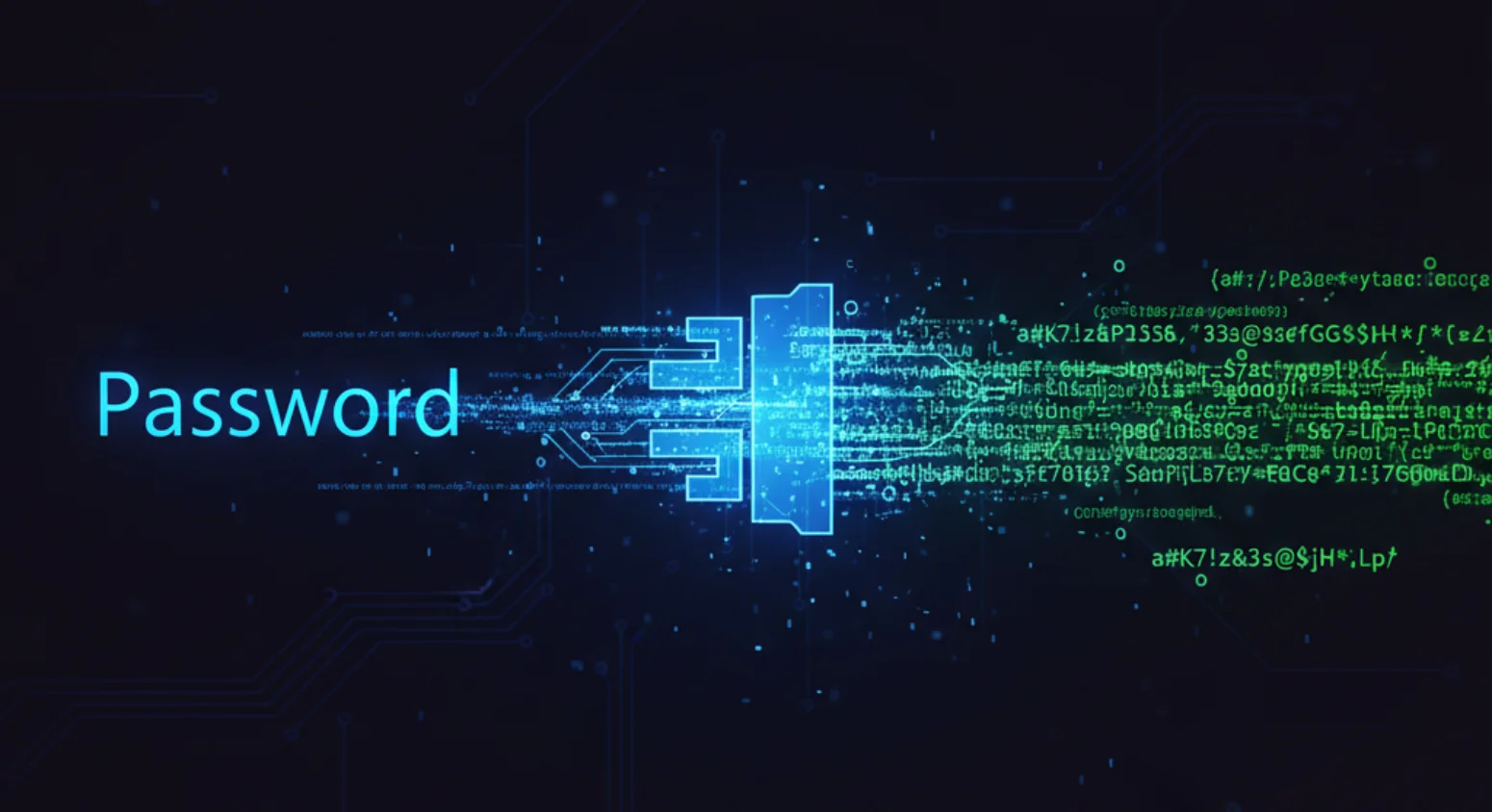
Most people focus on creating a strong password. But the real risk starts after you type it in. If a company stores passwords the wrong way, even a “complex” password can fall fast in a data breach.
To understand how hackers crack passwords, you first need to understand how websites store them. The storage method decides whether attackers succeed in minutes or struggle for months.
Password Hashing Explained
Websites don’t (or shouldn’t) store your password in plain text. Instead, they use password hashing.
Hashing turns your password into a fixed string of random-looking characters. Think of hashing like shredding your house key into unreadable sawdust. Once shredded, you can’t rebuild the original key from the dust.
For example:
- Password: MySecurePass123
- Hashed output: 5f4dcc3b5aa765d61d8327deb882cf99 (example format)
The key point: hashing is one-way. You can verify a password by hashing it again and comparing the result, but you can’t reverse it to reveal the original password.
Now compare that to encryption:
- Encryption is reversible. If someone gets the key, they can decrypt everything.
- Hashing is not meant to be reversed. It’s built for verification, not recovery.
Not all hashing algorithms are equal.
Older, insecure hash functions:
- MD5
- SHA1
These are fast — which is exactly the problem. Fast hashing makes brute force attacks and dictionary attacks much easier.
Modern, secure hashing algorithms:
- bcrypt
- Argon2
- PBKDF2
These are intentionally slow and resource-heavy. That slowdown makes large-scale password cracking much harder.
The Role of Salting & Key Stretching
Even strong hashing isn’t enough on its own.
Attackers often use rainbow table attacks — precomputed tables of common passwords and their hash values. If your password hash matches one in the table, it’s cracked instantly.
This is where salting comes in.
A salt is a random string added to your password before it’s hashed. So instead of hashing:
Password123
The system hashes something like:
Password123 + X7$d9Q!
Now even if two users have the same password, their hashes look completely different. Salting makes rainbow tables almost useless.
Then comes key stretching.
Key stretching forces the system to hash the password thousands (or even millions) of times. This makes login slightly slower for users — but massively slower for attackers running automated password cracking tools.
In simple terms:
- No salt + fast hash (MD5/SHA1) = Easy target
- Salt + slow hash (bcrypt/Argon2) = Much harder to crack
When a data breach happens, the difference between weak and strong password hashing determines whether attackers walk away with usable credentials — or just useless strings of noise.
The Top Password Cracking Techniques Hackers Use
Most accounts don’t get hacked because someone “guessed right.” They get hacked because attackers use structured, automated password cracking techniques that work at scale.
Here’s how modern password attacks actually happen.
Dictionary & Wordlist Attacks
The problem? People use predictable passwords.
Attackers run dictionary attacks using massive lists of common passwords like Password123, Welcome1, or simple variations. These lists often come from real leaked password databases after a data breach.
Instead of guessing one by one, tools automate everything.
Common tools:
- Hashcat
- John the Ripper
- Custom wordlists built from breach dumps
These tools also apply variations automatically:
- Adding numbers at the end
- Replacing letters with symbols
- Capitalizing the first letter
If your password looks “normal,” it’s probably already in a wordlist.
Brute Force Attacks
When dictionary attacks fail, attackers use brute force attacks.
This method tries every possible combination until it finds the correct one. It’s slow in theory — but with GPUs and cloud power, it’s faster than most people think.
The key factor is password complexity and length.
For example:
- 6-character password = cracked quickly
- 12+ random characters = exponentially harder
Every extra character dramatically increases cracking time. That’s why length matters more than just symbols.
Rainbow Table Attacks
When passwords are stored using weak hashing like MD5 or SHA1, attackers can use rainbow table attacks.
A rainbow table is a precomputed list of passwords and their hash values. Instead of calculating hashes in real time, attackers just look up the match.
Why they’re powerful:
- Extremely fast
- Cover millions of common passwords
- Effective against unsalted hashes
Why they fail:
- Salting breaks rainbow tables
- Modern algorithms like bcrypt and Argon2 make them impractical
If a company skips proper password hashing and salting, attackers win instantly after a breach.
Credential Stuffing & Reuse Exploits
This is one of the most common causes of account takeover attacks.
When a website suffers a data breach, attackers collect usernames and passwords. Then they test those same credentials across other platforms.
This is called credential stuffing.
It works because people reuse passwords.
If you use the same login for:
- Banking
- Social media
- Work accounts
One breach can unlock everything.
Major breaches like LinkedIn, Adobe, and Yahoo exposed millions of credentials that were later reused in automated attacks.
OSINT & Targeted Guessing
Not all password cracking is automated.
Attackers use Open Source Intelligence (OSINT) to gather public data about a target. That includes:
- Birthdates from social media
- Pet names
- Anniversaries
- Kids’ names
- Favorite sports teams
If someone uses personal details in their password, targeted guessing becomes easy.
For executives or high-value targets, this method is common in spear-phishing campaigns.
AI-Powered Password Guessing
Now attackers are using machine learning to improve password cracking.
AI models analyze patterns from leaked password databases. They learn how humans build passwords — where numbers go, how people modify words, common structures.
Instead of random guessing, AI creates human-like password variations at scale.
Combine that with tools like:
- Hashcat
- GPU acceleration
- Cloud-based cracking rigs
And weak password security collapses quickly.
This is why using a tool like an IxieVerse Password Generator or a trusted password manager is safer than creating passwords manually. Humans follow patterns. Machines are built to break them.
Real-World Impacts of Password Cracking
It’s easy to treat password cracking like a technical topic. But in the real world, it leads to stolen money, leaked data, and full account takeover attacks.
When password security fails, the damage spreads fast — from individual users to entire companies.
Breach Case Studies
This isn’t rare. Some of the biggest tech companies in the world have suffered data breaches where weak password storage or reuse played a role.
Examples:
- LinkedIn (2012) – Over 167 million credentials exposed. Many passwords were hashed with weak algorithms like SHA1, making cracking easier.
- Adobe (2013) – 150+ million accounts compromised. Poor password practices allowed attackers to analyze patterns.
- Yahoo (2013–2014) – Billions of accounts affected. Stolen credentials were later reused in credential stuffing attacks.
What happened next?
- Users experienced account takeover attacks across other platforms.
- Stolen credentials were sold on dark web markets.
- Companies faced lawsuits, regulatory fines, and massive reputation damage.
One weak password doesn’t just affect one site. It becomes part of a larger attack chain.
How Fast Passwords Fall
Many people still believe, “My password is too complex to guess.” That confidence often doesn’t match reality.
With modern GPU-powered password cracking tools like Hashcat and access to cloud computing, attackers can test billions of password combinations per second.
Here’s what matters most: length and entropy.
For example:
- 6–8 character password → often cracked in minutes or hours
- 10 character password with common patterns → cracked in hours or days
- 12–14 random characters → significantly harder
- Long, random passphrases → exponentially more resistant
Fast hash functions like MD5 or SHA1 make cracking even quicker. Strong hashing algorithms like bcrypt or Argon2 slow attackers down, but weak passwords still fall under sustained brute force attacks.
The gap between a “decent” password and a truly strong one can mean the difference between instant exposure and long-term resistance.
Best Practices to Prevent Password Cracking
Knowing how hackers crack passwords is useful. But what really matters is stopping them.
Strong password security isn’t complicated. It’s about using the right structure, the right tools, and removing common weaknesses attackers rely on.
Create Passwords That Resist Cracking
The biggest password mistake people make? Focusing on symbols instead of length.
Length + entropy beats complexity. A long, random password is far harder to crack than a short one filled with special characters.
For example:
- P@ssw0rd! → predictable pattern, easy for dictionary attacks
- coffee-river-lamp-sunset → long, high entropy, harder to crack
Security experts (including NCSC guidance) recommend using three or four random words. It’s easier to remember and much stronger against brute force attacks.
Quick checklist:
- Use 12–16+ characters minimum
- Avoid names, birthdays, or personal details (OSINT risk)
- Don’t reuse passwords across sites
- Use a trusted password generator like IxieVerse Password Generator
Use Strong Password Storage & Policies (For Businesses)
For companies, the risk isn’t just weak passwords — it’s weak storage.
If your system uses outdated hashing like MD5 or SHA1, attackers can crack passwords quickly after a data breach.
Enforce:
- Argon2 or bcrypt for password hashing
- Unique salts for every user
- Rate limiting to slow brute force attacks
- Account lockout after repeated failures
Policy basics:
- Minimum length requirements (14+ recommended)
- Ban common passwords
- Monitor for leaked credentials
- Clear password rotation rules (only when necessary, not forced too often)
Businesses should also monitor breach exposure using tools like Have I Been Pwned to detect compromised accounts early.
Password Managers: When and How to Use Them
Humans are bad at randomness. That’s why password managers exist.
A good password manager:
- Generates high-entropy passwords
- Prevents password reuse
- Stores credentials securely
- Reduces credential stuffing risk
The main risk? A weak master password.
Best practices:
- Use a long passphrase as your master password
- Enable multi-factor authentication (MFA)
- Never reuse your master password anywhere else
When used correctly, password managers dramatically improve password protection.
Beyond Passwords: MFA & Modern Auth
Even strong passwords can be stolen in phishing attacks or data breaches.
That’s why multi-factor authentication (MFA) is critical. It adds another layer beyond your password.
Common MFA methods:
- Authenticator apps
- Hardware security keys
- One-time SMS codes (better than nothing, but weaker than apps)
For even stronger protection, consider:
- Passkeys
- Hardware-based authentication (FIDO2)
- Phishing-resistant login methods
If a password gets cracked, MFA stops attackers from logging in. That extra layer often blocks account takeover attacks completely.
Common Myths About Password Security
A lot of bad password advice still circulates online. These myths make people feel secure — while leaving them exposed to password cracking, credential stuffing, and brute force attacks.
Let’s clear them up.
“Complex symbols beat long passphrases.”
This sounds logical. Add @, #, !, and you’re safe — right?
Not really.
Attackers use advanced dictionary attacks that already account for common substitutions like:
- a → @
- o → 0
- s → $
So a password like P@ssw0rd! is predictable to automated tools like Hashcat.
A long passphrase like:
- yellow-cable-moon-coffee
…has higher entropy and takes much longer to crack in a brute force attack.
Length beats decoration. Every extra character increases cracking time exponentially.
“Password managers are unsafe.”
Some people avoid password managers because they think storing everything in one place is risky.
The reality? Reusing weak passwords across sites is far riskier.
A reputable password manager:
- Uses strong encryption
- Generates high-entropy passwords
- Reduces password reuse
- Lowers credential stuffing risk
The real weakness isn’t the manager — it’s a weak master password or no MFA enabled.
Using a password manager with multi-factor authentication (MFA) is far safer than managing passwords manually.
“Changing passwords frequently always helps.”
For years, companies forced password changes every 30 or 60 days. It felt like strong password security.
In practice, it often made things worse.
When users are forced to change passwords constantly, they:
- Add “1” at the end
- Rotate between similar versions
- Write passwords down
- Reuse them elsewhere
Modern security guidance focuses more on:
- Strong password hashing (Argon2, bcrypt)
- Monitoring for leaked credentials
- Enabling MFA
- Forcing resets only after a data breach or suspicious activity
Frequent changes don’t stop password cracking. Strong, unique passwords and proper security controls do.
Conclusion
Most people don’t think about password cracking until it happens to them. By then, the damage is done — stolen accounts, locked emails, money gone, stress everywhere. The truth is simple: weak password security makes attackers’ jobs easy.
Now you know how hackers crack passwords — from brute force attacks and dictionary attacks to credential stuffing and leaked password databases. You also know what actually works: long, high-entropy passwords, strong password hashing like Argon2 or bcrypt, a trusted password manager, and multi-factor authentication.
It’s not about being perfect. It’s about making your accounts too hard to break into. Fix your passwords, turn on MFA, and stop being the easy target.
Frequently Asked Questions
1. How do hackers crack passwords so fast?
Hackers use automated tools like Hashcat to run brute force attacks and dictionary attacks at high speed. With modern GPUs and cloud computing, they can test billions of password combinations per second — especially if passwords are short or poorly hashed.
2. What is the most common password cracking method?
The most common method is credential stuffing, where attackers reuse leaked credentials from past data breaches. Dictionary attacks using common password lists are also extremely common.
3. How long does it take to crack a strong password?
It depends on length and entropy. A short 8-character password can fall in minutes, while a 14–16 character random passphrase can take years to crack — especially if protected with bcrypt or Argon2 hashing.
4. Are password managers safe to use?
Yes, reputable password managers are safer than reusing passwords. They generate high-entropy passwords and reduce credential stuffing risks. Just make sure your master password is long and protected with multi-factor authentication (MFA).
5. What is password hashing and why is it important?
Password hashing converts a password into a one-way encrypted string. Strong hashing algorithms like Argon2 or bcrypt slow down password cracking attempts and protect users after a data breach.
6. Is changing passwords regularly still recommended?
Frequent forced changes are no longer considered best practice. It’s better to use long, unique passwords, enable MFA, and change passwords only if there’s suspicious activity or a confirmed breach.




![50 Best Website Design Examples for Inspiration [2026]](https://ixieverse.com/wp-content/uploads/2026/08/Best-Website-Design-Examples-150x150.webp)
Add a Comment