You want to grow traffic. But every time you search for free SEO tools, you end up with a giant list and no idea where to start.
Some tools promise keyword data but hide it behind paywalls. Others give you reports you don’t understand. And if you’re a small business owner or blogger, paying for expensive software isn’t always an option.
The good news? You don’t need premium tools to rank. The right best free SEO tools, from free keyword research tools to free SEO audit tools and free rank trackers, can cover almost everything you need.
Let’s break down what actually works — and what’s worth your time.
Quick Answer:
If you’re short on time: The 5 best free SEO tools for most beginners are Google Search Console (rankings), Google Keyword Planner (keywords), Screaming Frog (technical audit, free up to 500 URLs), Rank Math (on-page SEO for WordPress), and Ahrefs Webmaster Tools (backlinks). Use all five together for a complete free SEO stack.
 ChatGPT
 Grok
Grok
 Claude
 Perplexity
 Google AI
- 1 All 20 Free SEO Tools at a Glance
- 2 What Are the Best Free Keyword Research Tools?
- 1. Google Keyword Planner — Best for Search Volume Validation
- 2. Google Trends — Best for Spotting Rising & Seasonal Topics
- 3. Google Search Console — Best Single Free SEO Tool (Use This First)
- 4. AnswerThePublic — Best for Finding Question-Based Keywords
- 5. Ahrefs Keyword Generator — Best for Quick Free Keyword Ideas
- 6. Soovle — Best for Discovering Keywords Across Multiple Platforms
- 7. Keywords Everywhere — Best Browser Extension for In-SERP Keyword Data
- 3 Which Free Tools Help With On-Page SEO Optimization?
- 8. Rank Math — Best Free On-Page SEO Plugin for WordPress
- 9. Hemingway Editor — Best for Content Readability
- 10. SERP Preview Tool — Best for Optimizing Your Title and Meta Description
- 4 Which Free Tools Can Audit Your Website’s Technical SEO?
- 11. Google PageSpeed Insights — Best for Core Web Vitals
- 12. Screaming Frog SEO Spider — Best Free Technical SEO Audit Tool
- 13. GTmetrix — Best for Understanding Page Speed Issues
- 14. Bing Webmaster Tools — Best for Overlooked Extra Visibility
- 5 How Can You Check Backlinks for Free?
- 15. Ahrefs Backlink Checker — Best Free Backlink Analysis Tool
- 16. Ubersuggest Free Backlink Checker — Best for Quick Competitor Research
- 17. Moz Link Explorer (Free Version) — Best for Domain Authority Checks
- 6 What Free Tools Help You Track and Measure SEO Results?
- 18. Google Analytics 4 — Best for Understanding Your Traffic
- 19. Looker Studio — Best for Free SEO Dashboards and Reporting
- 20. Google Search Console (Analytics Mode) — Best for Direct Search Performance Data
- 7 Best Free AI SEO Tools in 2026
- Free Tools That Help With AI SEO & GEO
- Free SEO Stack for Beginners & Students
- Free SEO Stack for Bloggers
- Free SEO Stack for Small Businesses
- Free SEO Stack for Agencies & Freelancers
- 8 Final Verdict: Are Free SEO Tools Enough to Rank on Google in 2026?
- 9 Frequently Asked Questions
- Are free SEO tools accurate enough to trust?
- What is the best free SEO tool for complete beginners?
- Can I do a full SEO audit using only free tools?
- What is the best free keyword research tool for beginners?
- What are the limitations of Screaming Frog’s free version?
- Is Google Search Console better than Ahrefs for free keyword research?
- What is GEO and do free tools help with it?
- Which free SEO tools work without creating an account?
- How often should I run a free SEO audit?
- When should I upgrade from free to paid SEO tools?
All 20 Free SEO Tools at a Glance
| Tool | Category | Best For | Free Limit | Skill Level |
|---|---|---|---|---|
| Google Keyword Planner | Keyword Research | Search volume validation | Unlimited (needs Ads account) | Beginner |
| Google Trends | Keyword Research | Trend & seasonality analysis | Unlimited | Beginner |
| Google Search Console | Analytics + Keywords | Rankings, indexing, CTR | Unlimited | Beginner |
| AnswerThePublic | Keyword Research | Question-based keywords | 3 searches/day | Beginner |
| Ahrefs Keyword Generator | Keyword Research | Quick keyword ideas | 10 searches/day | Beginner |
| Soovle | Keyword Research | Multi-platform keyword discovery | Unlimited | Beginner |
| Keywords Everywhere | Keyword Research | In-SERP keyword data | Limited free credits | Beginner |
| Rank Math | On-Page SEO | WordPress SEO optimization | Free core version | Beginner |
| Hemingway Editor | Content | Readability improvement | Free web version | Beginner |
| SERP Preview Tool | On-Page SEO | Title/meta optimization | Unlimited | Beginner |
| Google PageSpeed Insights | Technical SEO | Core Web Vitals check | Unlimited | Beginner |
| Screaming Frog | Technical SEO | Site crawl & audit | Free up to 500 URLs | Intermediate |
| GTmetrix | Technical SEO | Page speed analysis | Free (limited reports) | Beginner |
| Bing Webmaster Tools | Technical SEO | Bing indexing & monitoring | Unlimited | Beginner |
| Ahrefs Backlink Checker | Backlinks | Top backlinks view | Limited free | Beginner |
| Ubersuggest Backlink Checker | Backlinks | Quick competitor backlink scan | 3 searches/day | Beginner |
| OpenLinkProfiler | Backlinks | Secondary backlink data | 100 links/day | Intermediate |
| Google Analytics 4 | Analytics | Traffic & user behavior | Unlimited | Intermediate |
| Looker Studio | Analytics | SEO dashboards & reporting | Unlimited | Intermediate |
| Google Search Console (Analytics) | Analytics | Search performance monitoring | Unlimited | Beginner |
What Are the Best Free Keyword Research Tools?
Without the right keywords, you’re writing content nobody searches for. The tools below help you find real keyword opportunities — without a Semrush or Ahrefs subscription.
1. Google Keyword Planner — Best for Search Volume Validation
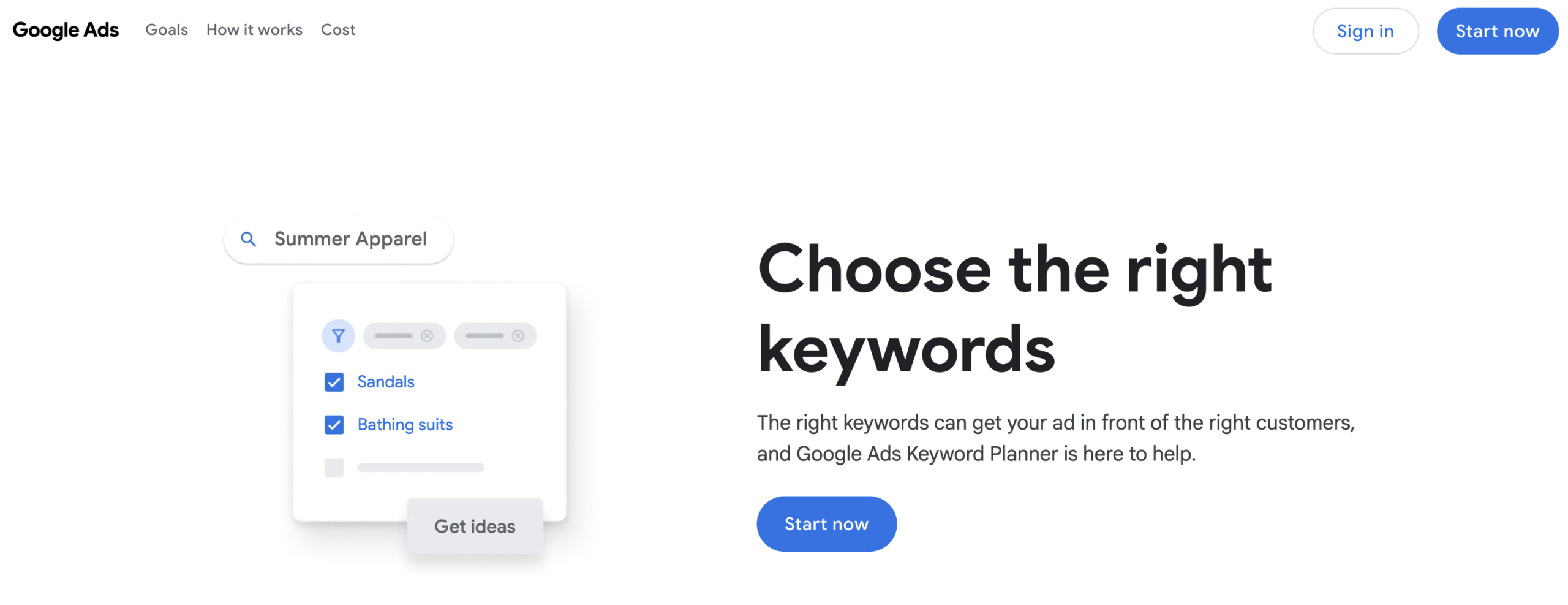
Most beginners skip Google Keyword Planner because it lives inside Google Ads. That’s a mistake.
Google Keyword Planner gives you search volume data directly from Google’s own index — the most accurate keyword data available for free. You don’t need to run ads to use it.
What you get for free:
- Average monthly search volume ranges for any keyword
- Keyword ideas based on a seed term or URL
- Seasonal trends and competition level indicators
- Related keywords grouped by theme
Limitation: Search volume is shown in ranges (e.g., ‘1K–10K’), not exact numbers, unless you have an active Google Ads campaign.
Best for: Validating whether a keyword has enough search demand before you invest time writing about it.
2. Google Trends — Best for Spotting Rising & Seasonal Topics
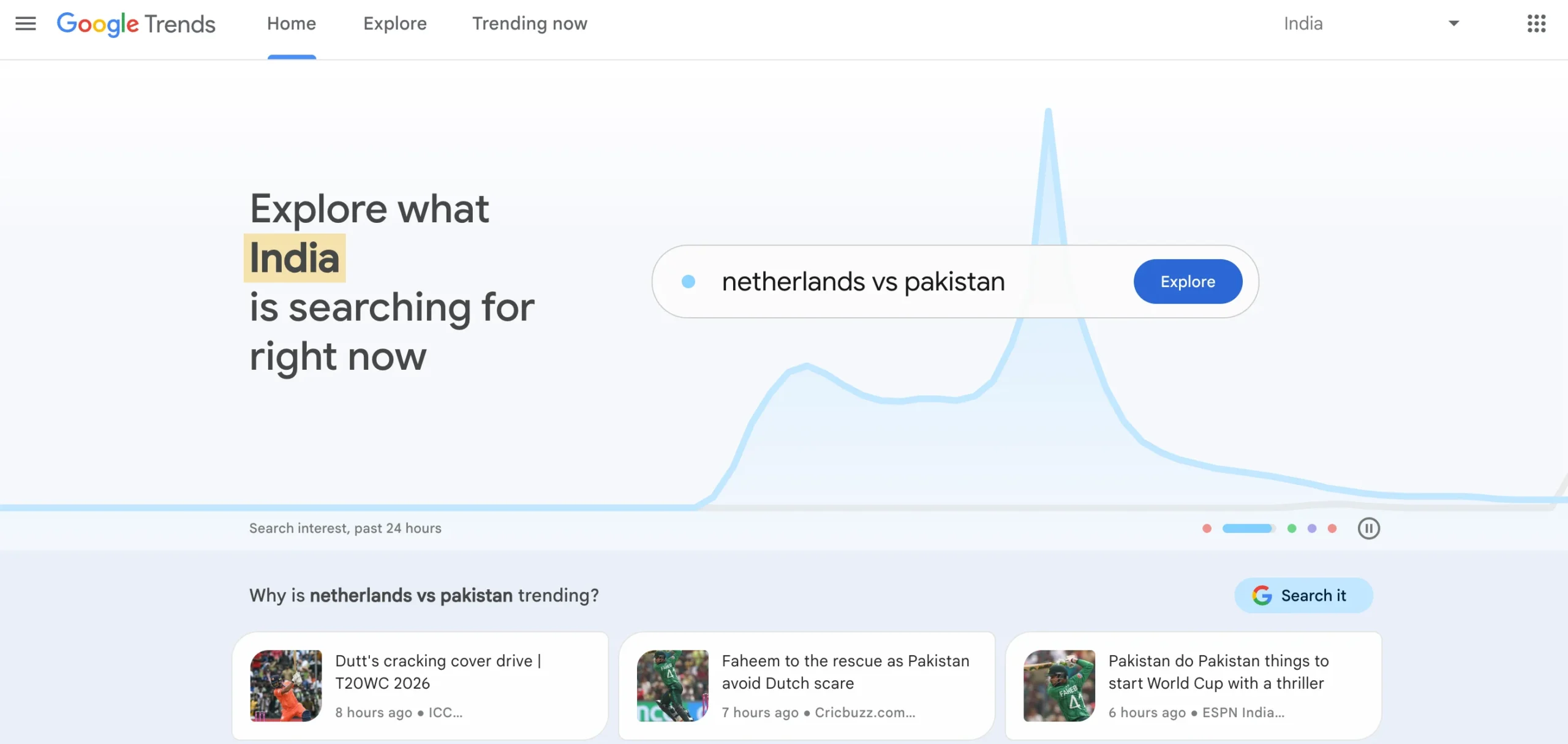
Search volume alone doesn’t tell you whether a keyword is growing or dying.
Google Trends shows you relative search interest over time for any keyword — so you can catch rising topics early and avoid wasting content effort on declining ones.
What you get for free:
- Search trend over the past 12 months, 5 years, or any custom range
- Geographic breakdown of search interest
- ‘Related queries’ showing what people search alongside your keyword
- Comparison of up to 5 keywords simultaneously
Limitation: Shows relative interest (0–100 scale), not absolute search volume.
Best for: Timing your content around seasonal spikes (e.g., ‘SEO tips’ searches peak in January each year) and identifying rising keywords before they become competitive.
3. Google Search Console — Best Single Free SEO Tool (Use This First)
If you use only one free SEO tool, make it Google Search Console.
Google Search Console gives you direct access to how Google sees, crawls, and ranks your website. The Performance report alone can reveal dozens of keyword opportunities most people ignore.
What you get for free:
- Every keyword your site ranks for, with clicks, impressions, CTR, and average position
- Pages with indexing errors preventing them from showing in search results
- Core Web Vitals scores and mobile usability issues
- Sitemaps submission and crawl request management
- Security issues and manual penalties if they occur
Power tip: Filter the Performance report for keywords ranked in positions 8–20. These are your ‘quick win’ keywords — slightly more optimization or a few backlinks could push them to page one.
Limitation: Shows your own site’s data only. No competitor data, no keyword difficulty scores.
Best for: Every website owner. This is non-negotiable — set it up on day one.
4. AnswerThePublic — Best for Finding Question-Based Keywords
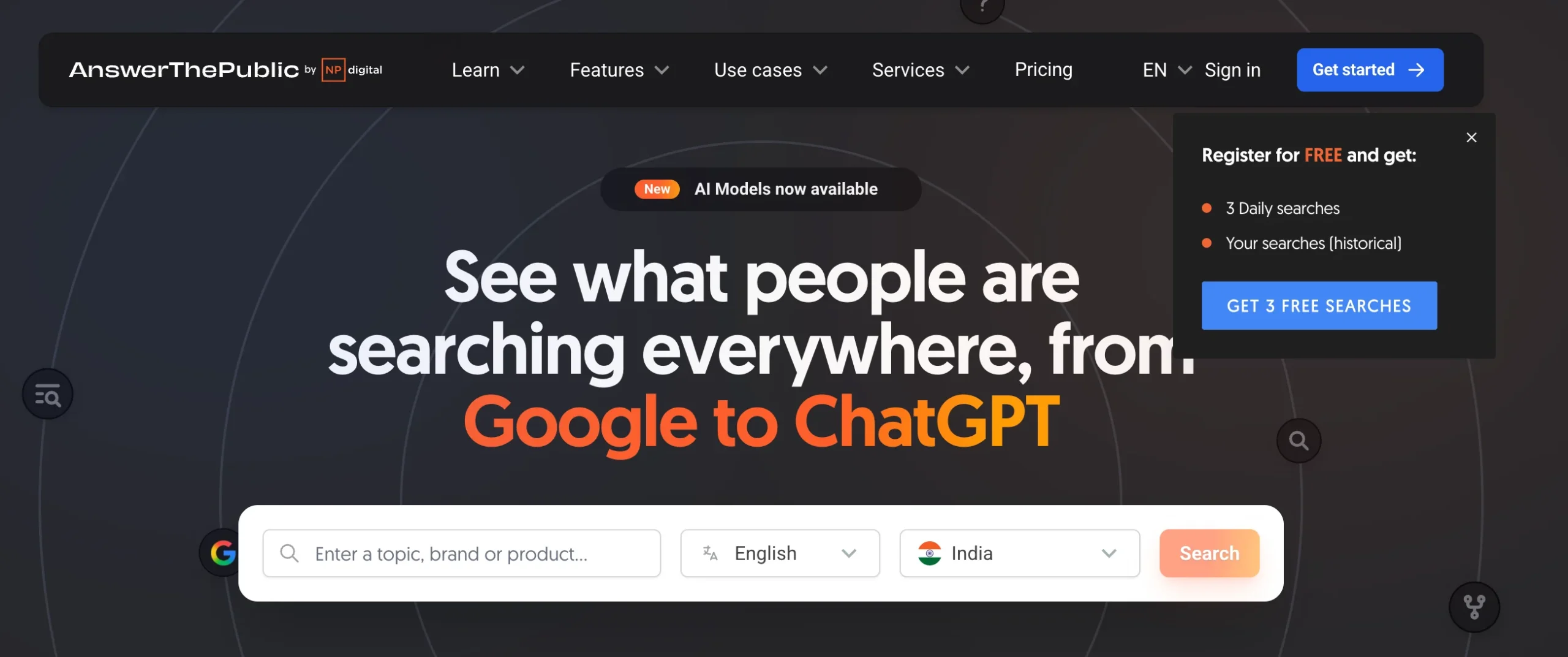
Sometimes you don’t need volume. You need questions.
AnswerThePublic scrapes Google and Bing autocomplete to show you every question, preposition, and comparison people search around your keyword. This is gold for building FAQ sections, targeting featured snippets, and ranking for conversational queries in AI search.
What you get for free:
- Question-based keywords: ‘what’, ‘why’, ‘how’, ‘when’, ‘which’, ‘who’
- Preposition keywords: ‘for’, ‘without’, ‘near’, ‘with’
- Comparison keywords: ‘vs’, ‘like’, ‘and’
Limitation: Free plan allows 3 searches per day with limited data.
Best for: Building your FAQ section, finding long-tail keyword variations, and optimizing for People Also Ask boxes in Google.
You Might Like: Best Digital Marketing Software: 30+ Tools to Grow Your Business in 2026
5. Ahrefs Keyword Generator — Best for Quick Free Keyword Ideas
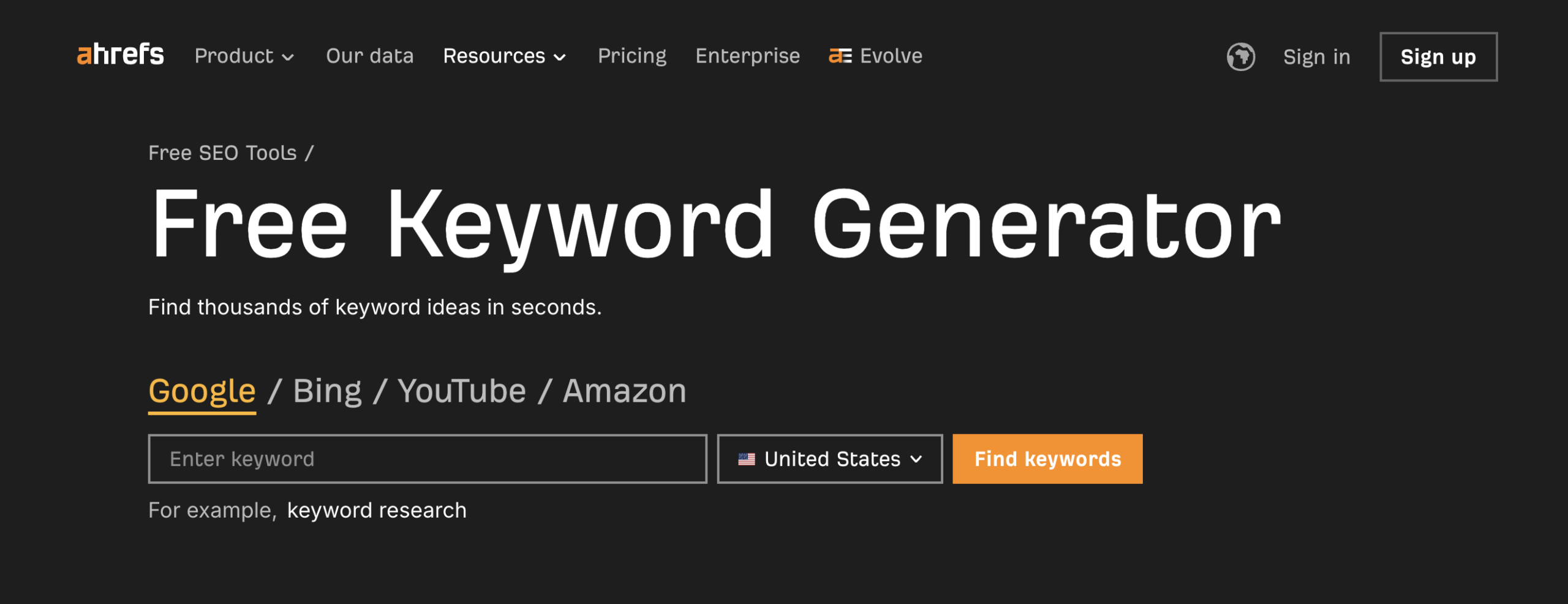
Ahrefs is one of the most powerful (and expensive) SEO tools in the world. But their free Keyword Generator gives you real Ahrefs data — for free.
What you get for free:
- Up to 100 keyword ideas per search
- Basic keyword difficulty (KD) score for the top 10 results
- Questions, phrases, and newly discovered keywords
Limitation: Only shows top 10 results in full detail. Volume data is limited.
Best for: Quick validation of keyword difficulty before committing to writing a new article.
6. Soovle — Best for Discovering Keywords Across Multiple Platforms
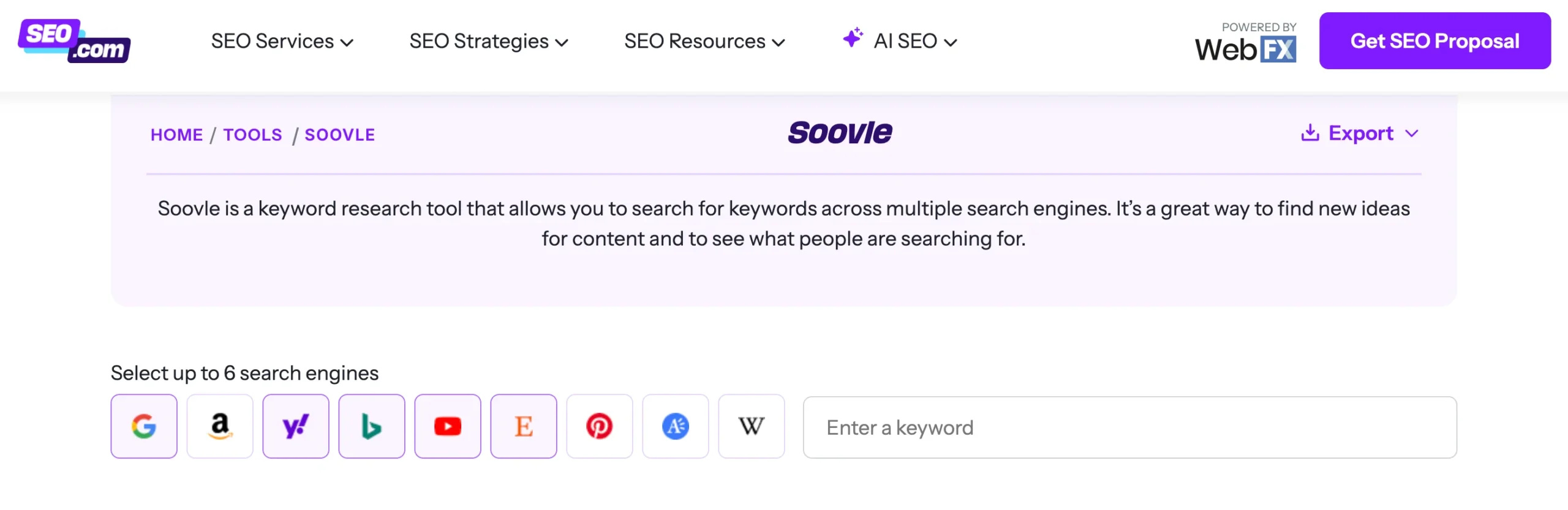
Most keyword tools focus on Google. But people search on YouTube, Amazon, Bing, and Reddit too.
Soovle pulls autocomplete suggestions from Google, YouTube, Amazon, Wikipedia, Bing, and more — all on one screen. This helps you find content ideas that work across multiple channels.
What you get for free:
- Autocomplete suggestions from 7+ platforms simultaneously
- Export suggestions to a CSV for further analysis
Limitation: No search volume data. Use alongside Google Keyword Planner for validation.
Best for: Content ideation and expanding keyword research beyond Google.
Control what Google crawls on your site. A misconfigured robots.txt can accidentally block your entire site from Google. Use IxieVerse’s Free Robots.txt Generator to create a clean, error-free file in seconds — no technical knowledge needed.
7. Keywords Everywhere — Best Browser Extension for In-SERP Keyword Data
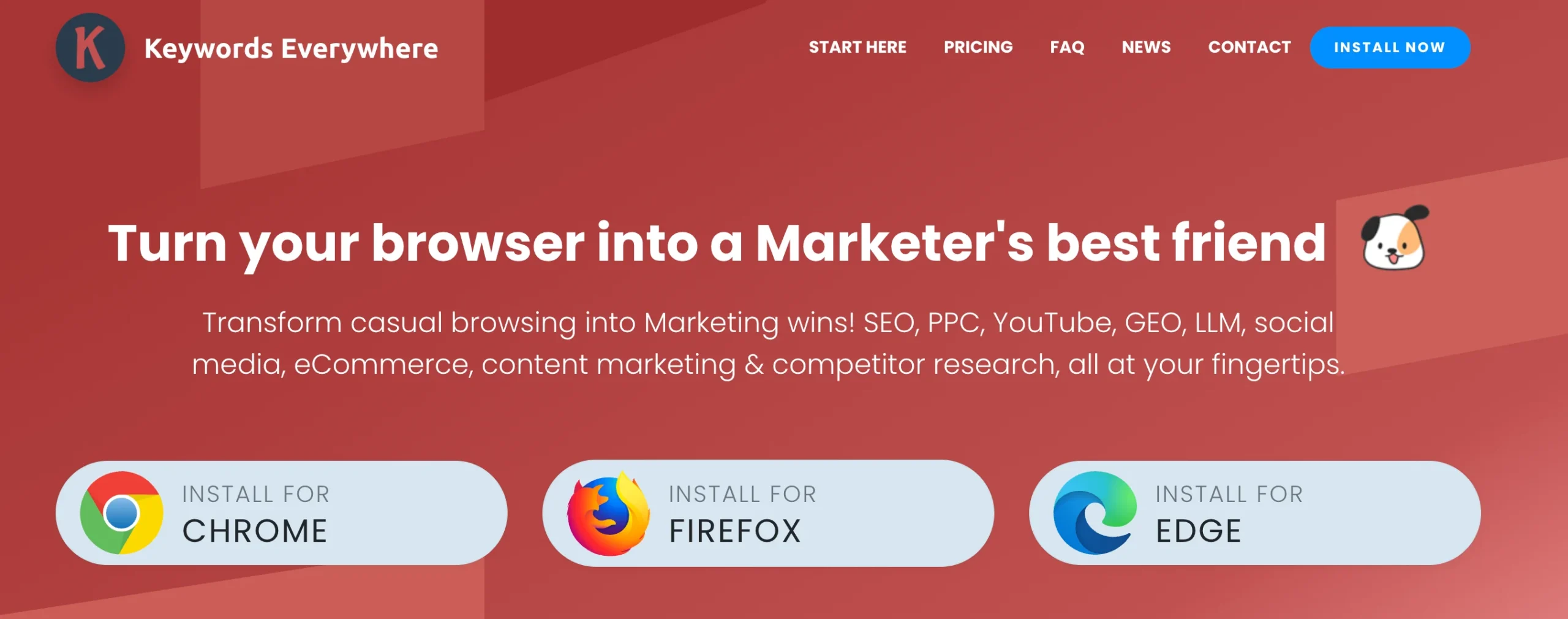
Switching between tabs wastes time. Keywords Everywhere shows keyword data directly in your Google search results.
What you get for free:
- Search volume and trend data in Google SERP (limited free credits)
- Related keywords shown in a sidebar
- People Also Search For data
Limitation: Free plan gives limited credits. Once used, you need to purchase more.
Best for: Speeding up your keyword research workflow by showing data where you already work.
Suggested Read: How to Use AI to Make Money Online in 2026
Which Free Tools Help With On-Page SEO Optimization?
8. Rank Math — Best Free On-Page SEO Plugin for WordPress
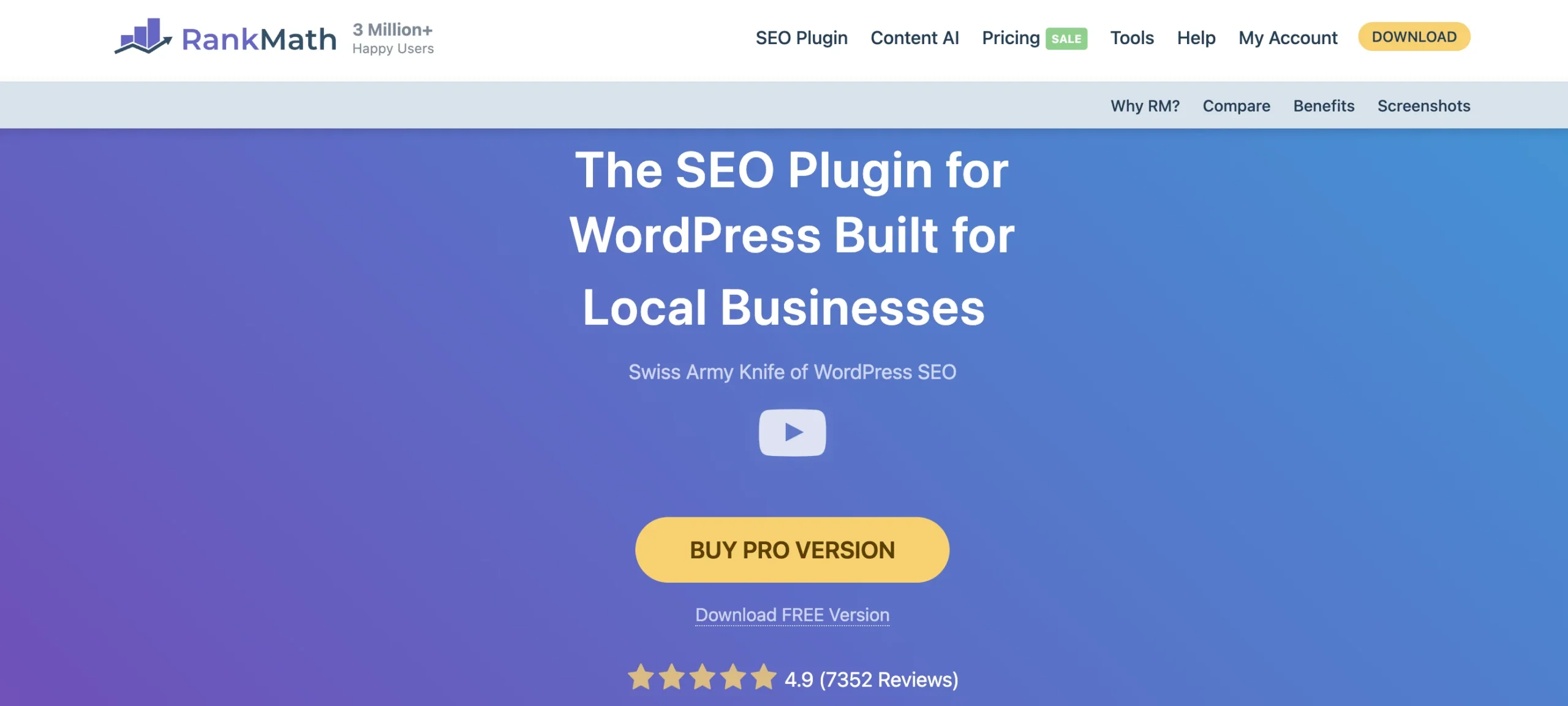
If you’re running a WordPress site and you’re not using an SEO plugin, you’re leaving critical optimization on the table.
Rank Math is the most feature-rich free SEO plugin for WordPress, and it handles technical and on-page SEO basics without requiring you to touch any code.
What you get for free:
- Title tag and meta description optimization with real-time preview
- Schema markup for Articles, FAQs, HowTos, Products, and more
- Keyword placement analysis and SEO score for each post
- XML sitemap generation and submission to Google Search Console
- Redirect manager and 404 monitoring
- Integration with Google Search Console directly in your dashboard
Limitation: Advanced features like Keyword Rank Tracker and advanced schema require the Pro plan.
Best for: Any WordPress website owner — this should be your first plugin installation.
9. Hemingway Editor — Best for Content Readability
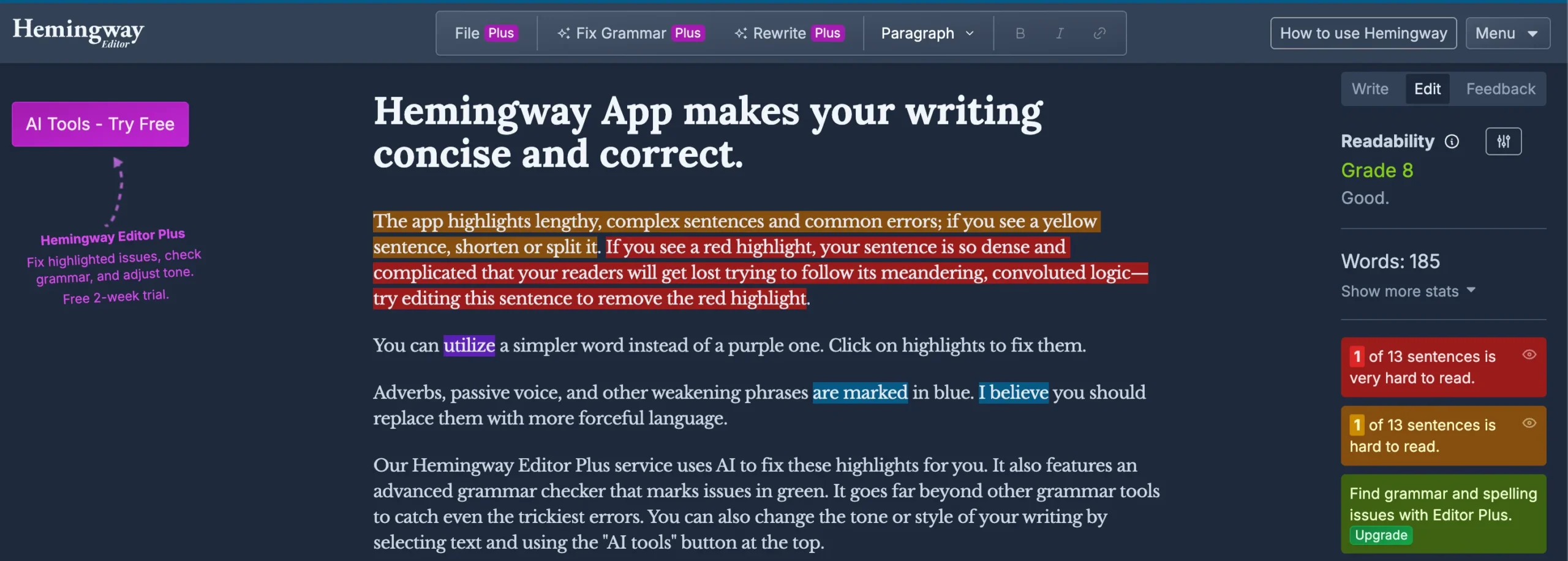
Google’s algorithms and AI answer engines both favor content that is clear, direct, and easy to read.
Hemingway Editor analyzes your writing and highlights sentences that are too long, uses of passive voice, adverbs that weaken your writing, and words with simpler alternatives.
What you get for free:
- Readability grade level score (aim for Grade 8 or below for general audiences)
- Highlighting of long and very long sentences
- Passive voice detection
- Adverb and complex word suggestions
Limitation: No SEO-specific features. Use alongside keyword tools, not as a replacement.
Best for: Making your content easier to read for both users and AI summarization engines.
Add schema markup to your pages — no coding required. Use IxieVerse’s Free Schema Markup Generator to generate valid JSON-LD for Articles, FAQs, HowTos, and more. Copy, paste, and you’re done.
10. SERP Preview Tool — Best for Optimizing Your Title and Meta Description
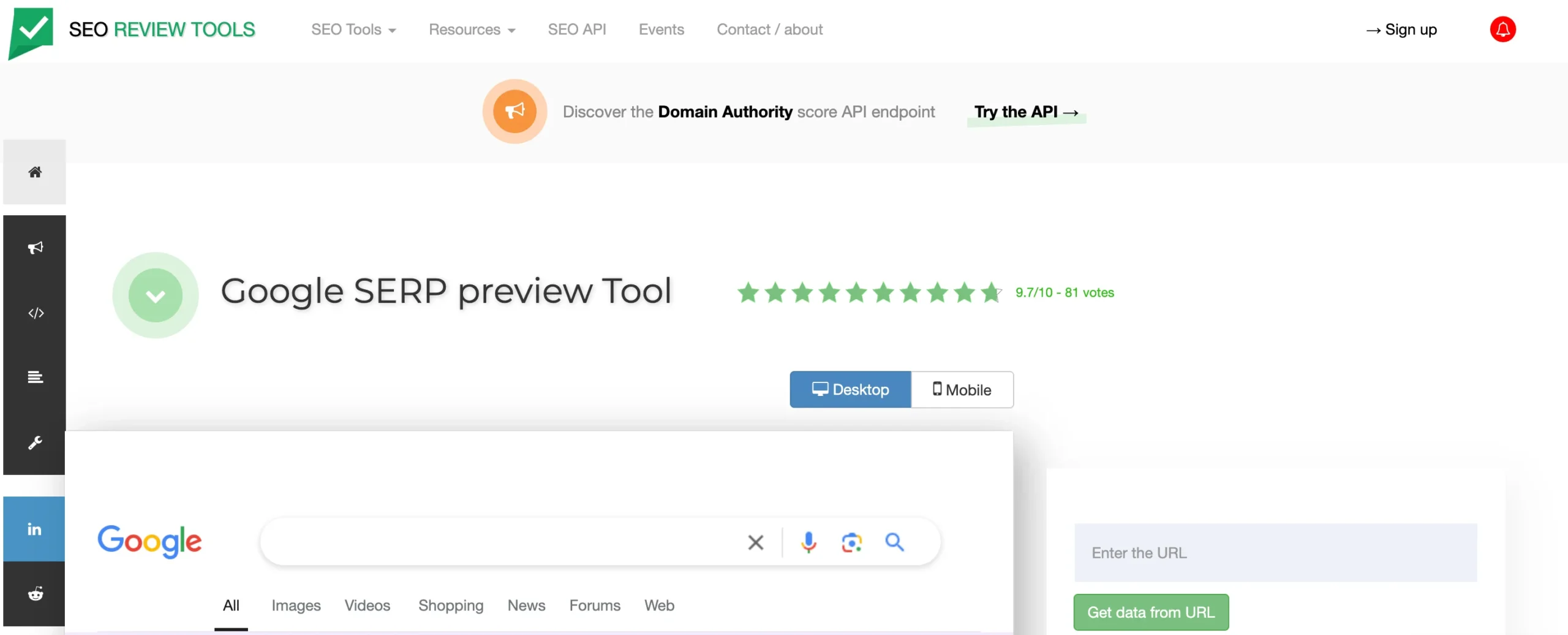
Most people publish content without checking how it actually looks in Google search results.
A SERP preview tool shows you exactly how your title tag and meta description will appear in Google — before you hit publish. This helps you avoid title truncation, optimize for CTR, and ensure your keyword placement feels natural.
What you get for free:
- Real-time preview of your title and meta description in Google SERP format
- Character count and pixel width measurement
- Mobile and desktop preview
Best for: Every piece of content you publish. A well-optimized snippet can increase clicks by 20–30% without changing your rankings.
Which Free Tools Can Audit Your Website’s Technical SEO?
11. Google PageSpeed Insights — Best for Core Web Vitals
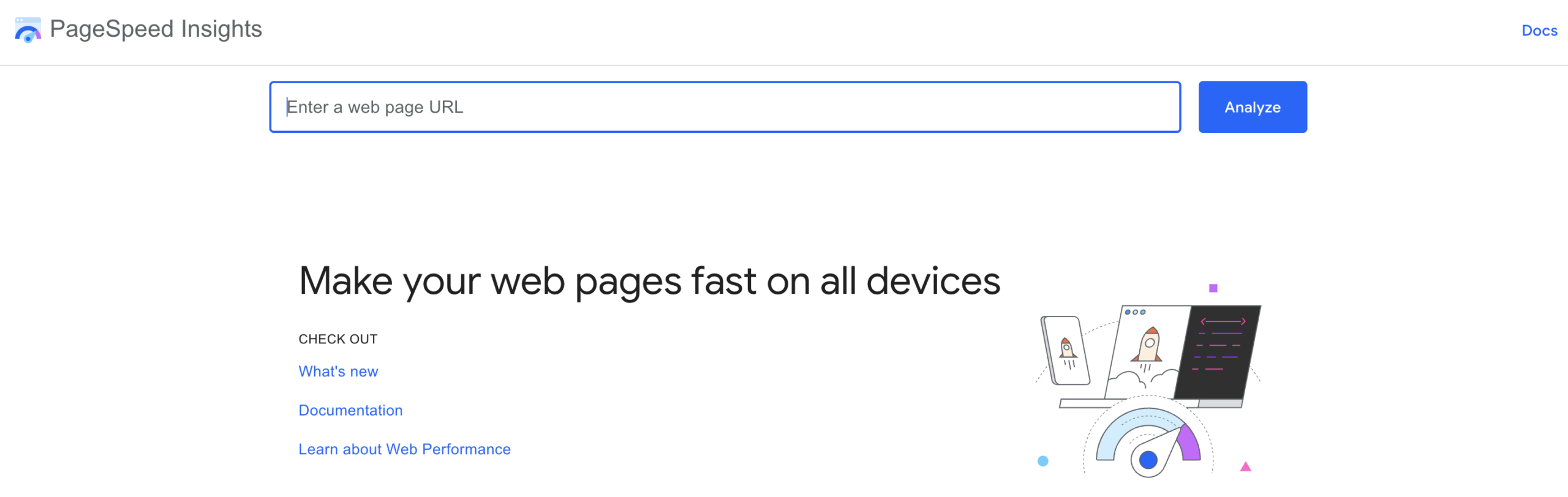
Page speed is a direct Google ranking factor. A slow website loses rankings and users.
Google PageSpeed Insights checks your Core Web Vitals scores — the three metrics Google uses to measure page experience:
- Largest Contentful Paint (LCP): How fast your main content loads (aim for under 2.5 seconds)
- Interaction to Next Paint (INP): How fast your page responds to user input (aim for under 200ms)
- Cumulative Layout Shift (CLS): How stable your page layout is while loading (aim for under 0.1)
What you get for free:
- Real-world performance data from actual Chrome users (Field Data)
- Lab test scores with specific optimization recommendations
- Separate scores for mobile and desktop
Best for: Every website — run this monthly to catch performance regressions.
12. Screaming Frog SEO Spider — Best Free Technical SEO Audit Tool
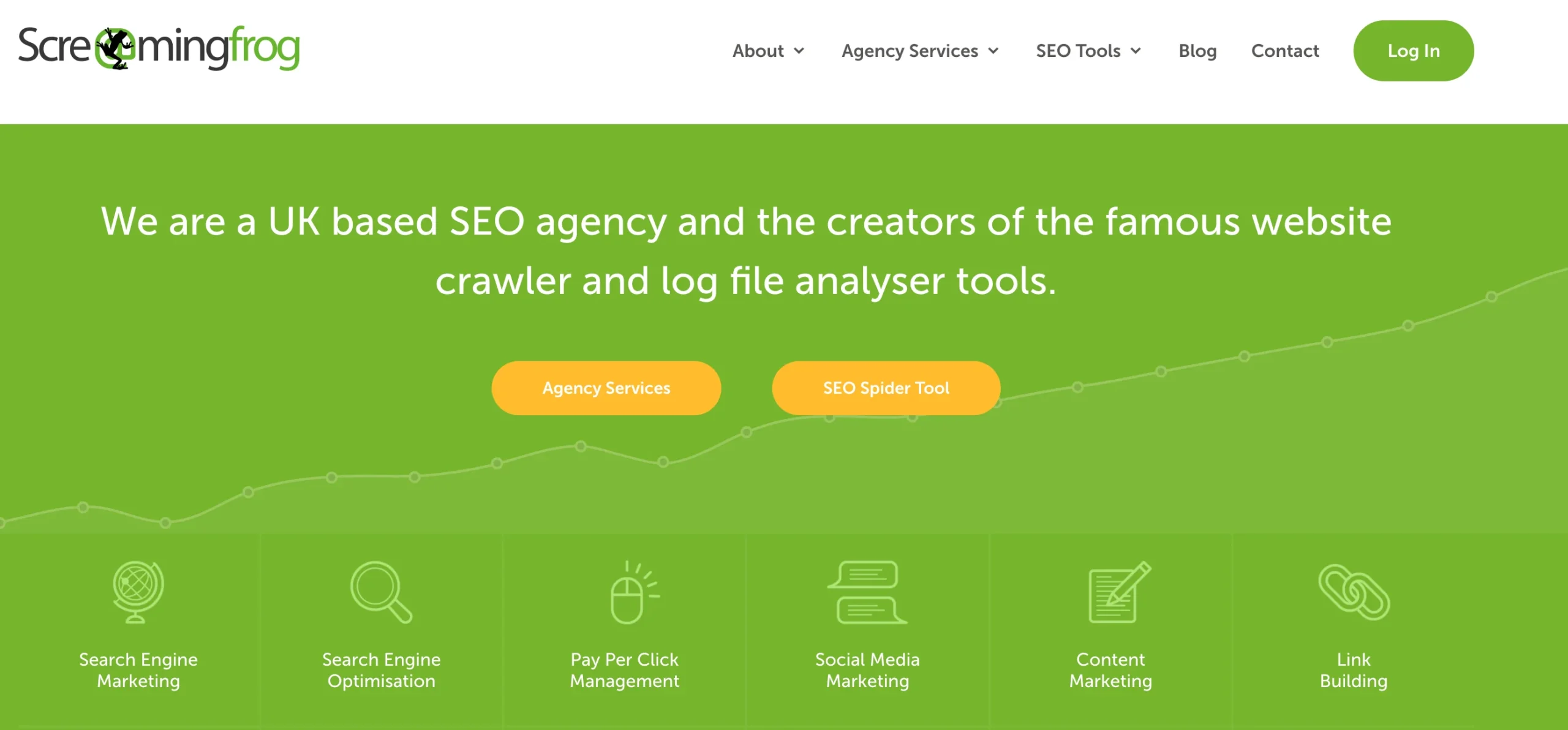
Screaming Frog is the industry standard for technical SEO audits. It crawls your website exactly like a search engine would, surfacing every technical issue that could hurt your rankings.
What you get for free:
- Crawl up to 500 URLs (more than enough for most small sites and blogs)
- Find broken links (404 errors) and redirect chains
- Identify missing, duplicate, or too-long title tags and meta descriptions
- Discover pages with missing H1 tags or duplicate content
- Export all data to Excel or Google Sheets
Limitation: Free version is capped at 500 URLs and excludes JavaScript rendering.
Skill level: Intermediate — the interface takes some getting used to, but the free documentation is excellent.
Best for: Running a quarterly technical SEO audit of your website to catch issues before they impact rankings.
13. GTmetrix — Best for Understanding Page Speed Issues
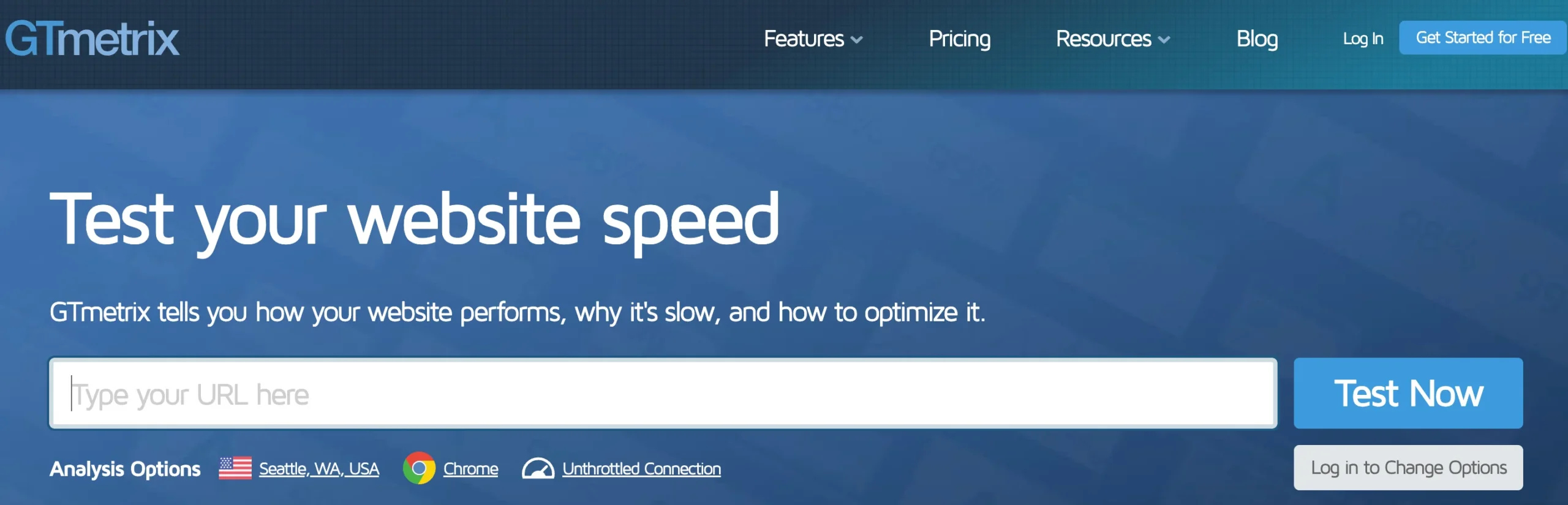
Google PageSpeed Insights tells you what’s slow. GTmetrix tells you why, in a more visual and beginner-friendly way.
What you get for free:
- Waterfall chart showing exactly which files are slowing down your page
- GTmetrix Grade (A–F) with specific actionable recommendations
- PageSpeed and YSlow scores
- Historical performance tracking
Limitation: Free plan limits you to 3 reports per day from a single test location (Canada).
Best for: Diagnosing the specific files (images, scripts, fonts) that are causing your page to load slowly.
14. Bing Webmaster Tools — Best for Overlooked Extra Visibility
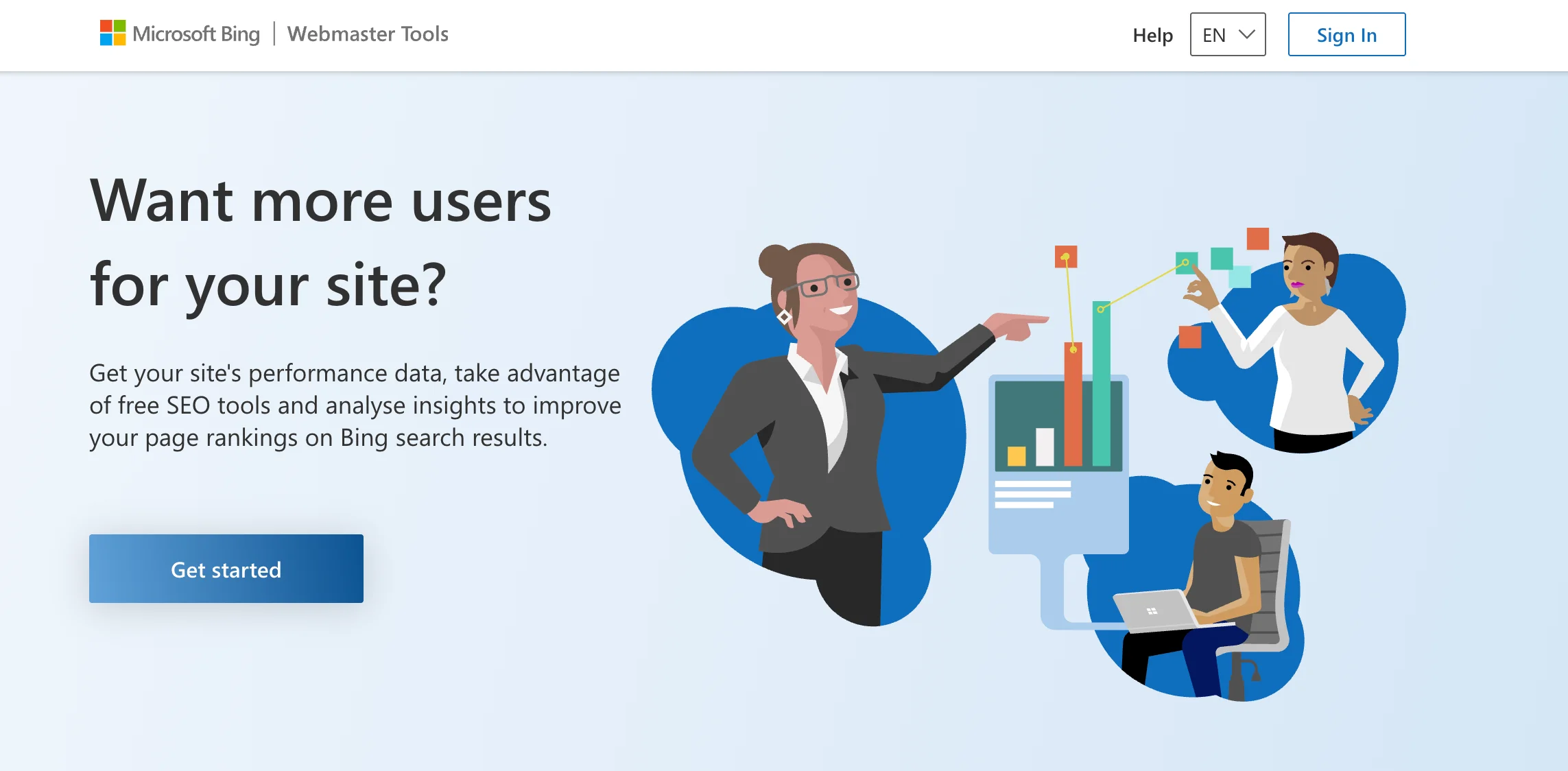
Most SEOs focus entirely on Google and ignore Bing. That’s leaving free traffic on the table.
Bing Webmaster Tools works similarly to Google Search Console and provides additional data about your site’s performance in Bing and DuckDuckGo (which uses Bing’s index).
What you get for free:
- Sitemap submission and indexing request
- Keyword performance data from Bing search
- Site scan for SEO issues
- Backlink data from Bing’s index
Bonus: Sites indexed by Bing are also crawled by DuckDuckGo and other Bing-powered search engines, extending your reach further.
Best for: Adding free visibility on Bing and DuckDuckGo with minimal additional effort.
How Can You Check Backlinks for Free?
15. Ahrefs Backlink Checker — Best Free Backlink Analysis Tool
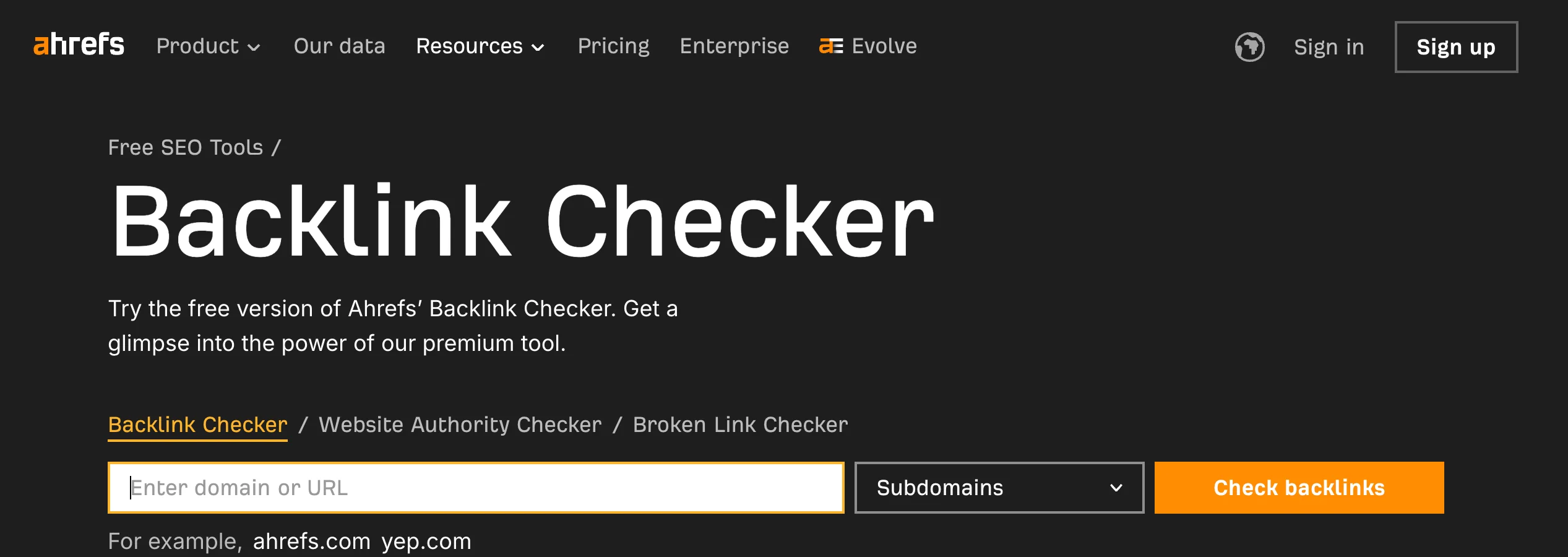
Backlink data is normally locked behind expensive subscriptions. Ahrefs’ free Backlink Checker gives you meaningful data without paying.
What you get for free:
- Top 100 backlinks to any website or URL
- Domain Rating (DR) — a measure of a site’s overall backlink strength
- Number of referring domains and total backlinks
- Anchor text distribution for the top links
Limitation: Only shows the top 100 backlinks. Full data requires a paid Ahrefs account.
Best for: Quick competitive research — see where competitor sites are getting their best backlinks so you can pursue similar opportunities.
16. Ubersuggest Free Backlink Checker — Best for Quick Competitor Research
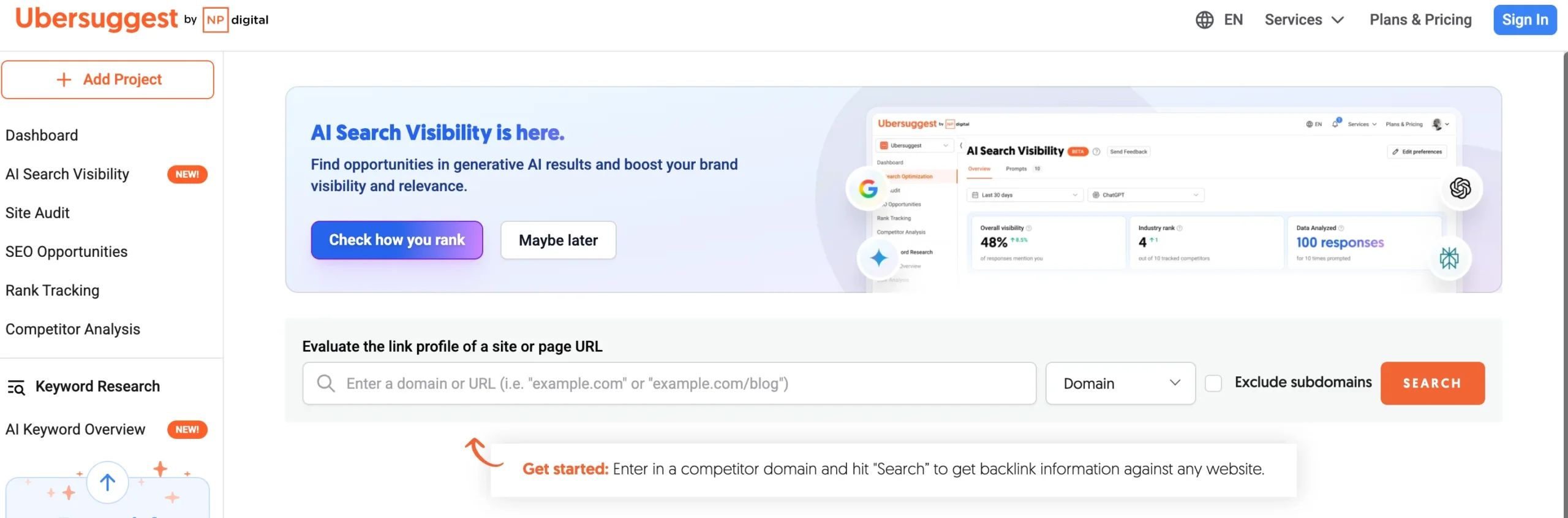
If you want a fast overview of any site’s backlink profile — especially a competitor’s — Ubersuggest delivers a clean, beginner-friendly interface.
What you get for free:
- Domain Authority score and backlink count
- Top referring domains with spam score
- Top linked pages and anchor text
Limitation: Free plan allows 3 searches per day.
Best for: Students and beginners who want simple backlink data without a learning curve.
17. Moz Link Explorer (Free Version) — Best for Domain Authority Checks
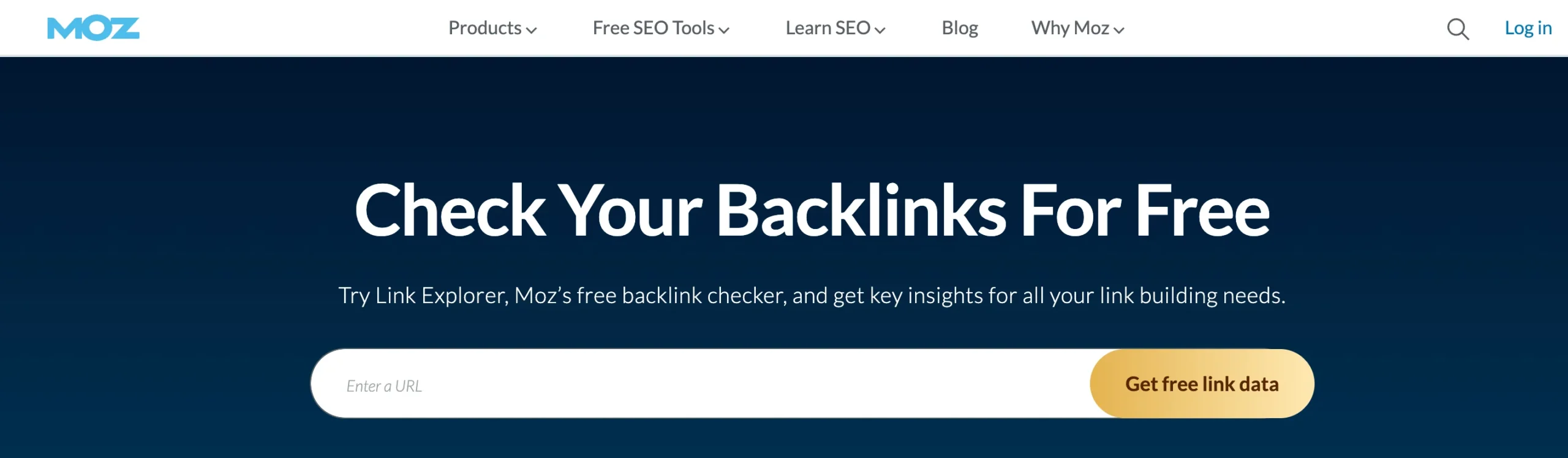
Multiple backlink data sources give you a more complete picture. Moz’s free Link Explorer gives you a different angle than Ahrefs.
What you get for free:
- Domain Authority (DA) score for any website
- Spam Score to identify low-quality backlinks
- Top linking domains and page authority
Limitation: Free plan allows 10 queries per month.
Best for: Cross-referencing backlink data from Ahrefs with a second source for more accurate analysis.
Discover: What Are Google AI Overviews?
What Free Tools Help You Track and Measure SEO Results?
18. Google Analytics 4 — Best for Understanding Your Traffic
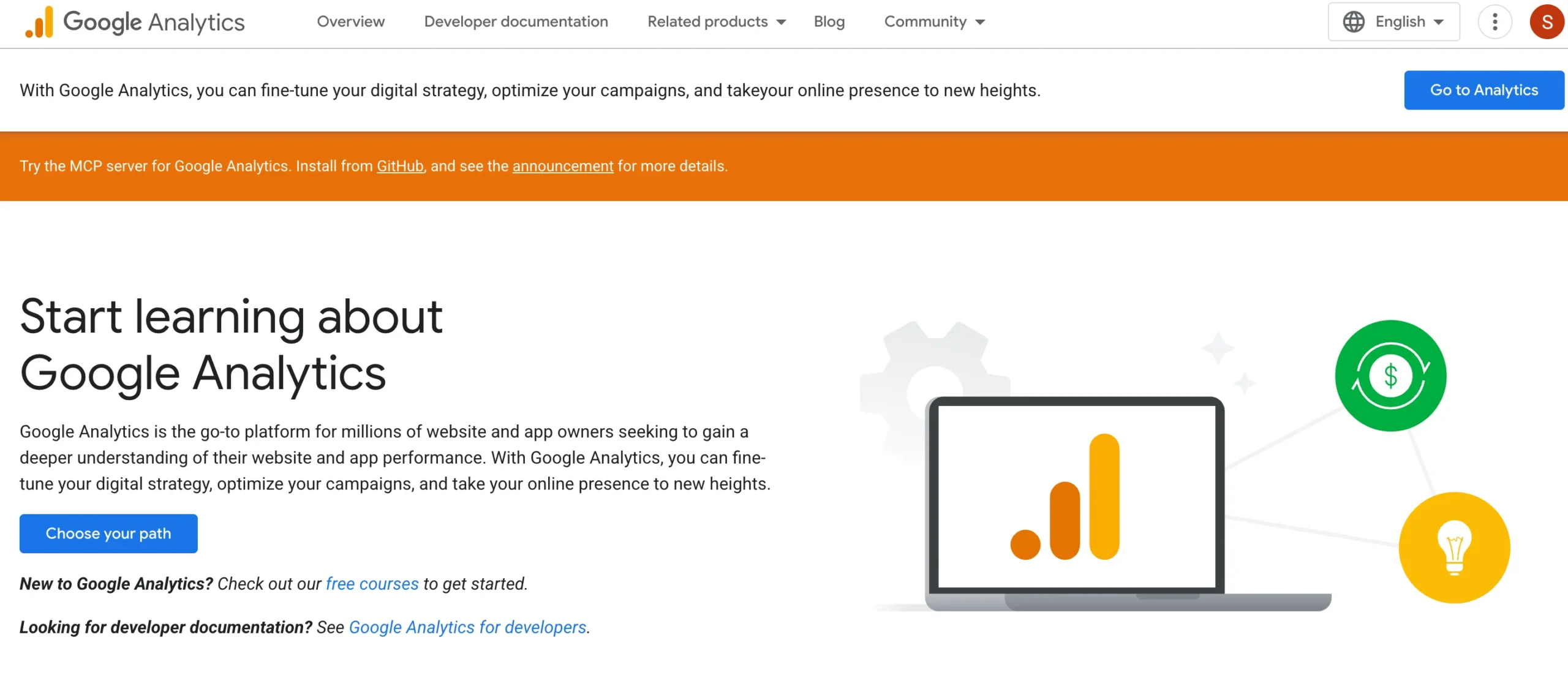
Traffic without context is useless. You need to know not just how many people visit your site, but which pages they land on, how long they stay, and whether they take any action.
Google Analytics 4 (GA4) is the free industry standard for website analytics.
What you get for free:
- Organic traffic breakdown by landing page, country, and device
- Engagement metrics: scroll depth, session duration, and event completions
- Conversion tracking for goals (form submissions, clicks, purchases)
- User acquisition reports showing which channels drive the most valuable traffic
Limitation: Requires a learning curve. The interface changed significantly from Universal Analytics to GA4.
Best for: Understanding whether your SEO strategy is bringing the right visitors — not just more visitors.
19. Looker Studio — Best for Free SEO Dashboards and Reporting
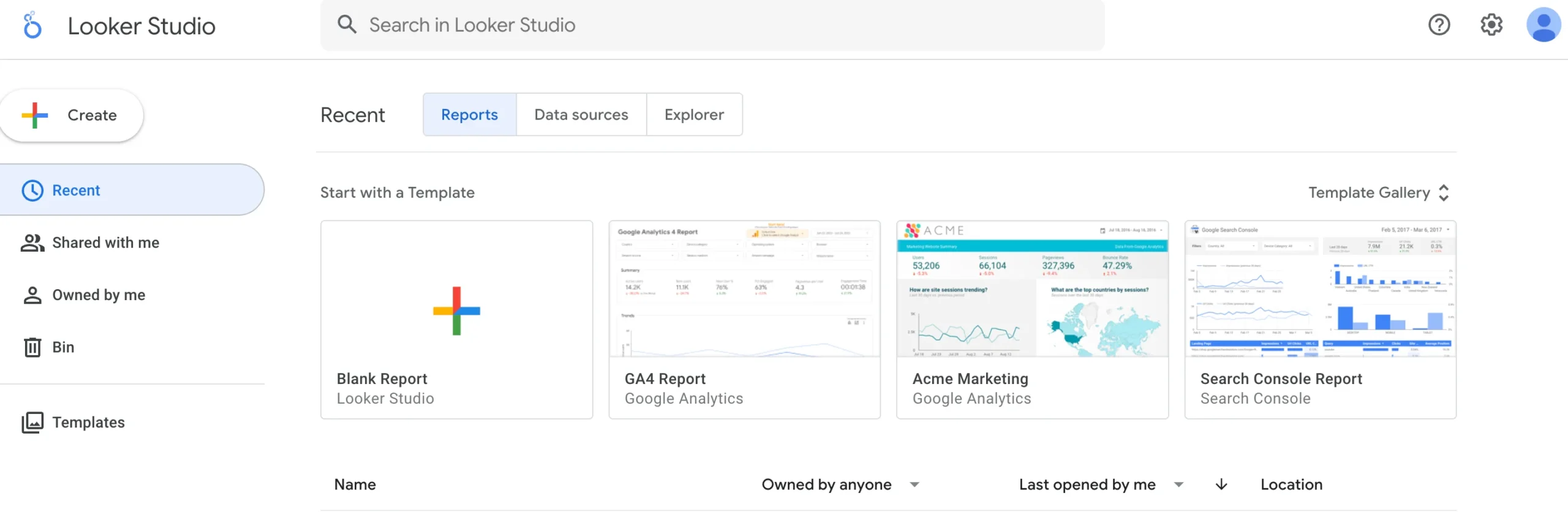
Raw data from Google Search Console and GA4 can feel messy and hard to interpret. Looker Studio turns that data into clean, visual dashboards you can monitor at a glance — or share with clients.
What you get for free:
- Drag-and-drop dashboard builder connecting GSC, GA4, Google Ads, and more
- Pre-built SEO dashboard templates
- Shareable reports with view-only access for clients or team members
- Month-over-month comparison charts
Best for: Agencies, freelancers, and anyone managing SEO for multiple websites who needs clean reporting without building spreadsheets manually.
20. Google Search Console (Analytics Mode) — Best for Direct Search Performance Data
We mentioned Google Search Console earlier for keyword research. But its analytics capabilities deserve separate attention.
No third-party tool can replicate what GSC gives you: direct data from Google about exactly how your pages perform in search.
Use it to track:
- Week-over-week and month-over-month changes in clicks and impressions
- Pages that suddenly drop in clicks — your first signal of a ranking loss
- Keywords where your CTR is low despite good rankings (fix: optimize your title and meta description)
- Mobile usability issues that are depressing your mobile traffic
Power tip: Connect GSC to GA4 for a combined view of how search performance impacts on-site behavior.
Free Tool from IxieVerse Stop guessing where your traffic comes from. Generate clean, properly formatted UTM links in seconds with our Free UTM Builder — built for bloggers, marketers, and SEO beginners.
Best Free AI SEO Tools in 2026
Free Tools That Help With AI SEO & GEO
Free tool: Semrush Free Plan
- Semrush’s free plan gives 10 queries/day with access to their Keyword Magic Tool, Domain Overview, and — as of 2026 — basic AI visibility tracking.
- Free tier includes: 10 keyword/domain queries per day, site audit for up to 100 pages, 10 tracked keywords
Free tool: WordLift Free Tools (Entity SEO)
- WordLift offers free tools for structured data and entity-based SEO — helping AI engines understand the meaning and context of your content, not just keywords.
- Free suite includes: Entity Extraction tool, Structured Data Audit, and an Agentic AI readiness audit
Free tool: Google’s Rich Results Test
- Tests whether your schema markup is valid and eligible for rich results in Google — a critical step for AI Overview inclusion.
Free tool: Bing AI Webmaster Insights
- Bing Webmaster Tools now shows how your content performs in Bing’s AI-powered answers — a free window into AI search visibility.
Free SEO Stack for Beginners & Students
Goal: Learn SEO, start a blog, or build skills for a job or internship.
| Tool | What to Use It For |
|---|---|
| Google Search Console | Track your rankings and find keyword opportunities |
| Google Keyword Planner | Find keywords with real search demand |
| Rank Math | Optimize every post before you publish (WordPress) |
| AnswerThePublic | Build FAQ sections and target question-based keywords |
| Google PageSpeed Insights | Check and improve your page speed |
Free SEO Stack for Bloggers
Goal: Drive organic traffic, rank for long-tail keywords, grow an audience.
| Tool | What to Use It For |
|---|---|
| Google Search Console | Find keywords you’re nearly ranking for (positions 8–20) |
| Google Trends | Time your content around seasonal search spikes |
| Ahrefs Webmaster Tools | Monitor your backlink profile for free |
| Screaming Frog (free) | Quarterly technical audit to catch broken links and missing tags |
| Rank Math | On-page SEO for every post |
Free SEO Stack for Small Businesses
Goal: Generate local leads, appear in local searches, track conversions.
| Tool | What to Use It For |
|---|---|
| Google Search Console | Monitor which search queries bring customers to your site |
| Google Analytics 4 | Measure whether organic visitors convert into leads or sales |
| Google PageSpeed Insights + GTmetrix | Ensure your site loads fast enough to retain mobile visitors |
| Ubersuggest Backlink Checker | Analyze competitor backlinks to find link-building opportunities |
| Google Trends | Spot seasonal demand patterns in your industry |
Free SEO Stack for Agencies & Freelancers
Goal: Deliver SEO results for clients without overextending tool budgets.
| Tool | What to Use It For |
|---|---|
| Google Search Console | Primary data source for all client reporting |
| Screaming Frog (free) | Technical site audits for client websites under 500 pages |
| Ahrefs Webmaster Tools | Client backlink monitoring |
| Looker Studio | Client-facing SEO dashboards and monthly reports |
| Semrush Free Plan | Competitor keyword research (10 queries/day) |
Final Verdict: Are Free SEO Tools Enough to Rank on Google in 2026?
Yes — for most beginners, bloggers, students, and small businesses, free SEO tools are more than enough to build and grow organic traffic.
The key is using the right combination of tools, not chasing a single ‘best’ tool:
- Use Google Search Console + GA4 for data and tracking
- Use Google Keyword Planner + AnswerThePublic for keyword research
- Use Screaming Frog (free) for quarterly technical audits
- Use Rank Math for on-page optimization (WordPress)
- Use Ahrefs Webmaster Tools for backlink monitoring
When you outgrow these tools — when you need deeper competitor data, bulk rank tracking, or advanced reporting — that’s when paid tools earn their cost. Until then, this free stack will take you further than most people realize.
Frequently Asked Questions
Are free SEO tools accurate enough to trust?
Yes, for most tasks. Google’s own free tools — Search Console, Keyword Planner, and PageSpeed Insights — provide first-party data directly from Google’s systems. This data is as accurate as it gets. Third-party free tools (like Ahrefs’ free Backlink Checker or Ubersuggest) use limited data samples, so treat their results as directional guides rather than exact figures.
What is the best free SEO tool for complete beginners?
Google Search Console is the best starting point for beginners. It’s completely free, requires no technical knowledge to set up, and shows you exactly how Google views your website — which keywords you rank for, which pages have issues, and what needs improvement. Install Rank Math alongside it for WordPress on-page optimization.
Can I do a full SEO audit using only free tools?
Yes. Combine Screaming Frog SEO Spider (free, up to 500 URLs) for technical crawling, Google PageSpeed Insights for Core Web Vitals, and Google Search Console for keyword and indexing issues. Together, these three tools cover technical SEO, page speed, and search performance — which is the full scope of a standard SEO audit.
What is the best free keyword research tool for beginners?
Google Keyword Planner is the most reliable free keyword research tool because it uses Google’s own data. For question-based keywords, pair it with AnswerThePublic (3 free searches/day). For checking keyword difficulty before writing, use Ahrefs’ free Keyword Generator. Together, these three tools give you everything you need for effective keyword research without paying anything.
What are the limitations of Screaming Frog’s free version?
Screaming Frog’s free version is limited to crawling 500 URLs per session. For websites with fewer than 500 pages — which includes the majority of blogs and small business sites — this is more than enough. The free version excludes JavaScript rendering, custom extraction, and API integrations. The paid version (£259/year) removes the URL cap and adds advanced features.
Is Google Search Console better than Ahrefs for free keyword research?
For your own website’s data, Google Search Console is better than any free tier of Ahrefs. GSC gives you accurate, real-time data on every keyword your site ranks for — directly from Google. Ahrefs’ free tools are better for researching competitor websites, where GSC has no data. Use both for different purposes.
What is GEO and do free tools help with it?
GEO (Generative Engine Optimization) is the practice of optimizing your content to appear in AI-generated search answers from ChatGPT, Perplexity, Google AI Overviews, and similar engines. Free tools that help include: Google’s Rich Results Test (for schema validation), WordLift’s free entity extraction tools, and Rank Math’s schema features. Ensuring your content has clear definitions, direct answers, and structured data is the most accessible GEO strategy available for free.
Which free SEO tools work without creating an account?
Several powerful free SEO tools require no sign-up: Google PageSpeed Insights, Screaming Frog (download only), Hemingway Editor, SERP Preview Tools, Soovle, and Ahrefs’ Backlink Checker and Keyword Generator all work without creating an account. Google Search Console, Google Analytics 4, and Bing Webmaster Tools require free account creation but no payment.
How often should I run a free SEO audit?
Run a full technical audit using Screaming Frog every 1–3 months. Check Google Search Console weekly for any new indexing errors, coverage issues, or sudden ranking drops. Review Google PageSpeed Insights whenever you make significant changes to your website’s design or plugins. For active blogs publishing weekly, a monthly check of all tools is a good cadence.
When should I upgrade from free to paid SEO tools?
Upgrade when free tools are limiting your data, not your strategy. Specific triggers: you need to track more than 50 keywords daily, you need deep competitor keyword gap analysis, you’re managing more than 3 websites, or you need historical rank tracking beyond what GSC provides. Most solo bloggers and small businesses can stay on free tools for 12–18 months before data limits become a real constraint.




![50 Best Website Design Examples for Inspiration [2026]](https://ixieverse.com/wp-content/uploads/2026/08/Best-Website-Design-Examples-150x150.webp)
Add a Comment