 ChatGPT
 Grok
Grok
 Claude
 Perplexity
 Google AI
- 1 TL;DR
- 2 The 10 Best No-Signup AI Chatbots (2026 Ranked)
- 1. Duck.ai (DuckDuckGo AI Chat)
- 2. ChatGPT Guest Mode
- 3. Perplexity (Logged-Out Mode)
- 4. HuggingChat (Hugging Face)
- 5. DeepSeek
- 6. Microsoft Copilot (Basic Web/Edge Access)
- 7. Grok (grok.com, No X Account)
- 8. Poe (Guest Mode)
- 9. NanoGPT
- 10. Character.AI (Partial Guest Access)
- 3 Comparison Table: Best No-Signup AI Chatbots (2026)
- 4 Conclusion
- 5 Frequently Asked Questions
- Can I use ChatGPT without signing up?
- What is the single best no-signup AI chatbot right now?
- Are no-signup AI chatbots safe to use for sensitive information?
- Do no-signup AI chatbots save my conversation history?
- Why do some “free” AI chatbots still ask for an email address?
- Is Google Gemini available without logging in?
- Which no-signup AI chatbot is best for coding help?
- How long will these tools stay free with no signup required?
TL;DR
- No-signup AI chatbots let you type a question and get an answer immediately — no email verification, no password, no “create your account” wall before your first response.
- Duck.ai (DuckDuckGo AI Chat) is the best all-around pick for 2026: anonymous access to GPT, Claude, and Mistral models with no message history retained.
- ChatGPT’s official guest mode is the most familiar experience but locks you to GPT-4o mini with a rolling message cap, no memory, and no file uploads.
- DeepSeek is the strongest no-signup option for coding and math; Perplexity leads for cited, source-backed research answers.
- The trade-off across every tool on this list is the same: no account means no saved history and lower daily limits — expect anywhere from 10 messages per rolling window to a soft “unlimited” cap that throttles at peak hours.
- Treat every no-signup chat like a public conversation. No login doesn’t mean no data logging — most providers still capture IP addresses and use inputs for model training unless you opt out.
You don’t want to hand over an email address just to ask an AI one question.
That instinct is now mainstream. By 2026, “AI chat no login” and “no signup AI chatbot” rank among the fastest-growing conversational search queries in the AI tools category, driven by sign-up fatigue, inbox spam from marketing lists, and a broader shift toward frictionless, anonymous-first software.
The good news: you no longer have to choose between “instant” and “capable.” Several chatbots — including tools built on GPT, Claude, and open-source models — now offer real, usable answers with zero account creation.
This guide ranks the 10 best no-signup AI chatbots available right now, tested for what actually happens when you open the page: do you get an answer, or do you get a login wall in disguise?
The 10 Best No-Signup AI Chatbots (2026 Ranked)
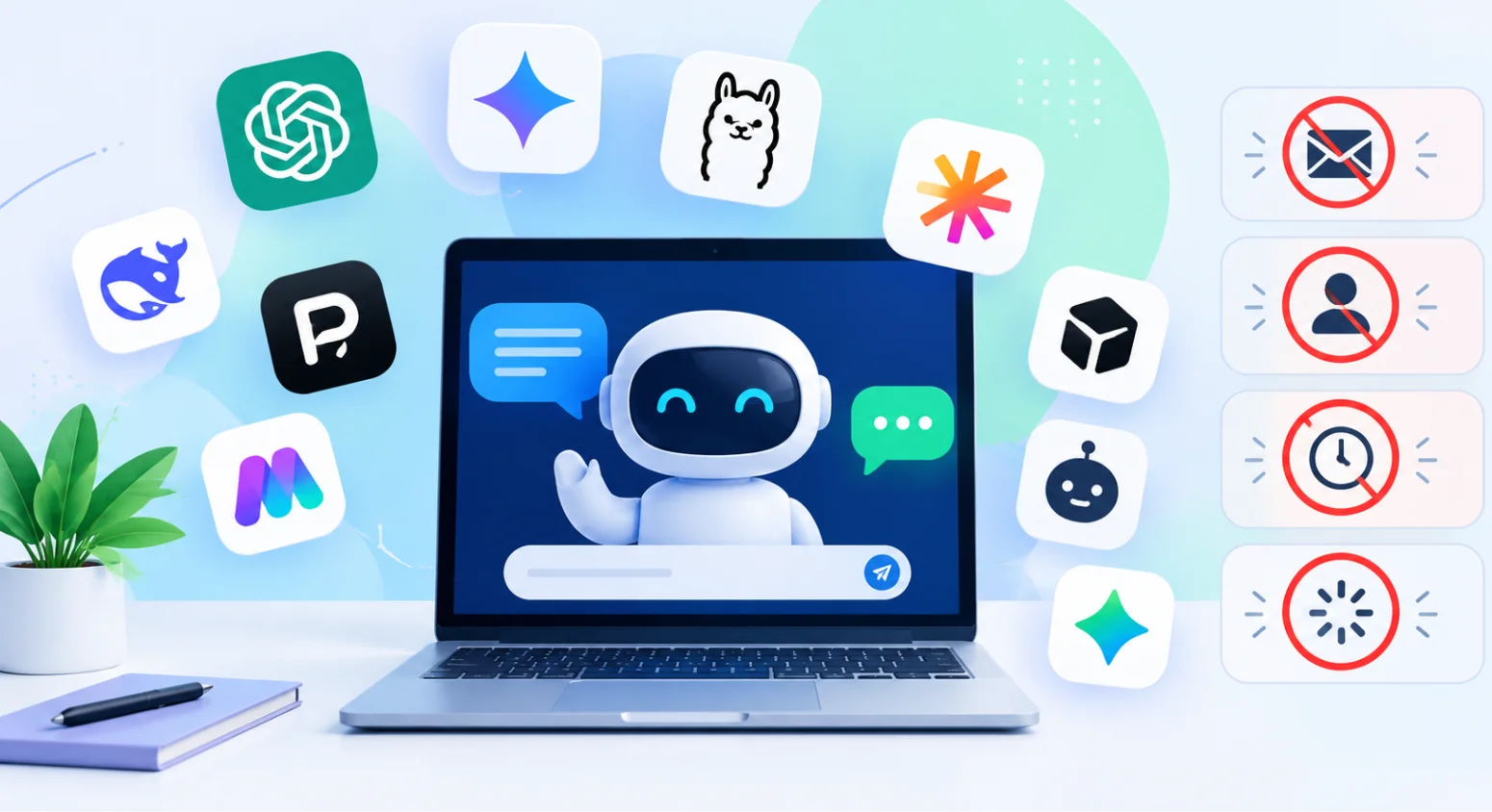
The best no-signup AI chatbots in 2026 are Duck.ai, ChatGPT Guest Mode, Perplexity, HuggingChat, DeepSeek, Microsoft Copilot, Grok, Poe (guest mode), NanoGPT, and Character.AI. Each works instantly in a browser with no account, though daily message caps and model access vary by tool.
1. Duck.ai (DuckDuckGo AI Chat)
Best for: anonymous, general-purpose chat with model choice.
Duck.ai routes your prompt to a rotating set of underlying models — including lightweight GPT and Claude variants, plus Mistral and Llama options — without requiring an account. DuckDuckGo does not link your chat to a persistent identity, and conversations are not retained across sessions by default.
- No login, no email, no CAPTCHA in most sessions
- Model switcher lets you pick between several LLMs mid-session
- Generous, unspecified daily cap for casual use
- Best suited to quick research, drafting, and general Q&A rather than long, memory-dependent projects
2. ChatGPT Guest Mode
Best for: users who want the most familiar ChatGPT interface without registering.
OpenAI’s official guest access lets you open ChatGPT and start typing without an account. It’s the most recognizable no-signup experience, but it comes with real trade-offs.
- Locked to a lighter default model (commonly GPT-4o mini in guest sessions); top-tier reasoning models require sign-in
- Rate-limited to a rolling message window (reports place this anywhere from roughly 10 messages per few hours, depending on region and load)
- No memory, no saved chat history, no file uploads or image generation
- Session resets completely when the tab closes
Explore: Claude vs ChatGPT 2026: Which AI Wins? [Full Comparison]
3. Perplexity (Logged-Out Mode)
Best for: research questions that need cited sources.
Perplexity functions as an AI answer engine layered over live web search. In logged-out mode, you can ask a question and get a direct answer with linked citations — no account required for a solid number of daily queries.
- Answers include source links by default, useful for fact-checking
- Logged-out queries are capped lower than a free account’s daily allowance
- Best for factual, current-events, or comparison-style questions rather than creative writing
4. HuggingChat (Hugging Face)
Best for: trying open-source models without any account.
HuggingChat gives in-browser access to a rotating lineup of open-source LLMs (Llama, Mistral, Qwen variants, and others) hosted by Hugging Face. You can chat without logging in; creating a free account only unlocks saved chat history.
- Fully open-source model stack — appeals to privacy-conscious and developer audiences
- No hard paywall behind the core chat experience
- Response quality varies more by model than closed, proprietary chatbots
Discover: Best Ahrefs Alternatives in 2026 (Ranked, Compared & AI-Search Ready)
5. DeepSeek
Best for: coding, math, and technical reasoning without an account.
DeepSeek’s web chat allows basic use without registration in most regions and has built a reputation for strong performance on coding and mathematical reasoning relative to its cost to run.
- Strong benchmark performance on code generation and step-by-step math
- No-login access is more limited than the registered free tier
- Best treated as a technical-task tool rather than a general conversational assistant
6. Microsoft Copilot (Basic Web/Edge Access)
Best for: users already inside the Microsoft ecosystem who want a quick answer.
Copilot’s basic conversational mode is accessible in Edge and on copilot.microsoft.com without a Microsoft account for casual queries, though richer features (image generation limits, Copilot Notebooks, memory) sit behind sign-in.
- Integrated directly into Edge’s sidebar — zero extra steps for Edge users
- Basic answers, summarization, and quick drafting work without an account
- Advanced features nudge users toward a Microsoft account fairly quickly
7. Grok (grok.com, No X Account)
Best for: real-time queries tied to current events and social conversation.
As of 2026, xAI allows chatting with Grok on grok.com without linking an X account, using the Fast model tier.
- Pulls context from real-time X (Twitter) posts, useful for trending topics
- No-account tier is restricted to the Fast model, with tight caps (commonly cited around 10 queries per 2-hour window)
- No chat history and no file uploads without signing in
8. Poe (Guest Mode)
Best for: trying several models side-by-side before committing to one.
Poe’s guest mode gives a limited number of free messages across multiple hosted models (including GPT and Claude variants) before a login wall appears.
- Useful for a quick side-by-side “which model answers this better” test
- Message allowance in guest mode is noticeably smaller than a signed-in free account
- Better suited to a one-time comparison than ongoing daily use
Also Read; 53 Free AI Tools With No Sign-Up Required (2026)
9. NanoGPT
Best for: privacy-conscious users who want model flexibility without an email address.
NanoGPT stores conversation history locally in your browser rather than in a cloud-linked account, and supports a generated user ID instead of an email sign-up. It also supports crypto payments for users who want to top up usage without a traditional billing profile.
- Access to a broad range of underlying models through one interface
- No email required at any stage, including for expanded usage
- Also exposes an OpenAI-compatible API for developers building on top of the same model access
10. Character.AI (Partial Guest Access)
Best for: casual, entertainment-style conversation — not productivity tasks.
Character.AI allows browsing characters and starting a conversation without creating an account, though saving conversations or building custom characters requires signing up.
- Good fit for roleplay, creative dialogue, and light entertainment use
- Session data is not preserved once the tab closes in guest mode
- Not designed for research, coding, or document-based work
Skip the sign-up for more than just chat. Build UTM links, generate schema markup, or calculate ROI in seconds — 100% free, no account required, ever. Try IxieVerse’s Free Tools Now
Comparison Table: Best No-Signup AI Chatbots (2026)
| Chatbot | Underlying Model(s) | No-Login Daily Limit | Best For | Chat History Saved? |
|---|---|---|---|---|
| Duck.ai | GPT, Claude, Mistral (rotating) | Generous, unspecified | General Q&A, quick drafting | No |
| ChatGPT Guest Mode | GPT-4o mini (default) | ~10 msgs / rolling window | Familiar interface, one-off tasks | No |
| Perplexity (logged out) | Proprietary + partner models | Lower than free account | Cited research | No |
| HuggingChat | Open-source (Llama, Mistral, Qwen) | Session-based, no hard cap stated | Open-source model testing | No (unless account created) |
| DeepSeek | DeepSeek-V/R series | Regionally limited | Coding, math | No |
| Microsoft Copilot | GPT-based (Microsoft-tuned) | Basic queries unlimited-ish | Quick answers in Edge | No |
| Grok (grok.com) | Grok Fast tier | ~10 queries / 2 hrs | Real-time/X-linked topics | No |
| Poe (guest) | Multiple (GPT, Claude, etc.) | Small fixed allowance | Comparing models | No |
| NanoGPT | Multiple, user-selectable | Flexible, ID-based | Privacy + model variety | Local browser only |
| Character.AI (guest) | Proprietary | Session-based | Entertainment, roleplay | No |
Limits change frequently and vary by region and server load — verify current caps on each provider’s site before relying on one for a time-sensitive task.
While you’re avoiding sign-ups, don’t stop at chatbots. IxieVerse’s calculators and SEO tools — ROI, EMI, GPA, UTM Builder, Schema Markup Generator, robots.txt Generator — work the same way: no login, no email, no saved data. Explore IxieVerse’s free tools
Conclusion
No-signup AI chatbots aren’t a workaround anymore — they’re a legitimate category shaped by real 2026 user demand for privacy and speed. Duck.ai remains the most balanced choice for general use, DeepSeek wins for technical work, and Perplexity leads when you need sources attached to the answer.
The trade-off is consistent across the board: skip the account, and you skip memory, higher limits, and premium models along with it. For a single question or a quick test, that trade is easy. For ongoing, high-stakes work, a login-based tool will still serve you better.
Bookmark two or three tools from this list across different use cases — chat resets happen, and policies change faster than most “best of” guides get updated.
Frequently Asked Questions
Can I use ChatGPT without signing up?
Yes, through OpenAI’s official guest mode in most regions, but you’re limited to a lighter default model, a rolling message cap, and no saved chat history or file uploads.
What is the single best no-signup AI chatbot right now?
Duck.ai (DuckDuckGo AI Chat) is generally the strongest all-around pick because it offers model choice, a generous free cap, and no persistent tracking tied to an identity.
Are no-signup AI chatbots safe to use for sensitive information?
Treat them as semi-public. No login doesn’t mean no data logging — most providers still capture IP addresses and may use your inputs for model training unless you opt out. Avoid pasting confidential, proprietary, or personally identifying information.
Do no-signup AI chatbots save my conversation history?
Almost never by default. Sessions typically reset when you close the tab or refresh, which is part of the privacy trade-off of skipping an account.
Why do some “free” AI chatbots still ask for an email address?
Email capture is usually a marketing or lead-generation decision, not a technical requirement — many tools that could work anonymously choose not to, in order to build a mailing list.
Is Google Gemini available without logging in?
No. As of 2026, Gemini requires a Google account for chat access; there is no consistent anonymous browser mode.
Which no-signup AI chatbot is best for coding help?
DeepSeek is the strongest pick for coding and math reasoning among no-signup options, though multi-file or agentic coding work still requires a signed-in tool.
How long will these tools stay free with no signup required?
There’s no fixed timeline. Some tools have stayed no-signup for years; others introduce login requirements as usage scales and server costs grow. Keep two or three alternatives bookmarked per use case so a policy change doesn’t strand your workflow.


![50 Best Website Design Examples for Inspiration [2026]](https://ixieverse.com/wp-content/uploads/2026/08/Best-Website-Design-Examples-150x150.webp)
Add a Comment