PNG to JPG Converter
Convert PNG images to JPG instantly,right in your browser
Turn your PNG files into compressed, web-ready JPG images in seconds. Just drag and drop your images (or browse to select them), adjust the quality slider to balance file size and clarity, and convert.
Best PNG to JPG Converter
Convert PNG images to JPG quickly with the free PNG to JPG Converter from IxieVerse. This online image converter lets you convert PNG to JPG without installing software, creating an account, or signing up.
Whether you’re a website owner, developer, designer, blogger, or content creator, you can convert your PNG images to the JPG format directly from your browser. The tool is fast, free, unlimited, and requires no signup.
Fast & Easy Image Conversion
Looking for a fast and free PNG to JPG converter? IxieVerse makes image conversion simple. Upload your PNG image, convert it to JPG, and download the converted file in just a few clicks.
There is no signup, no account creation, and no complicated software required. You can use the tool directly in your browser whenever you need to convert an image.
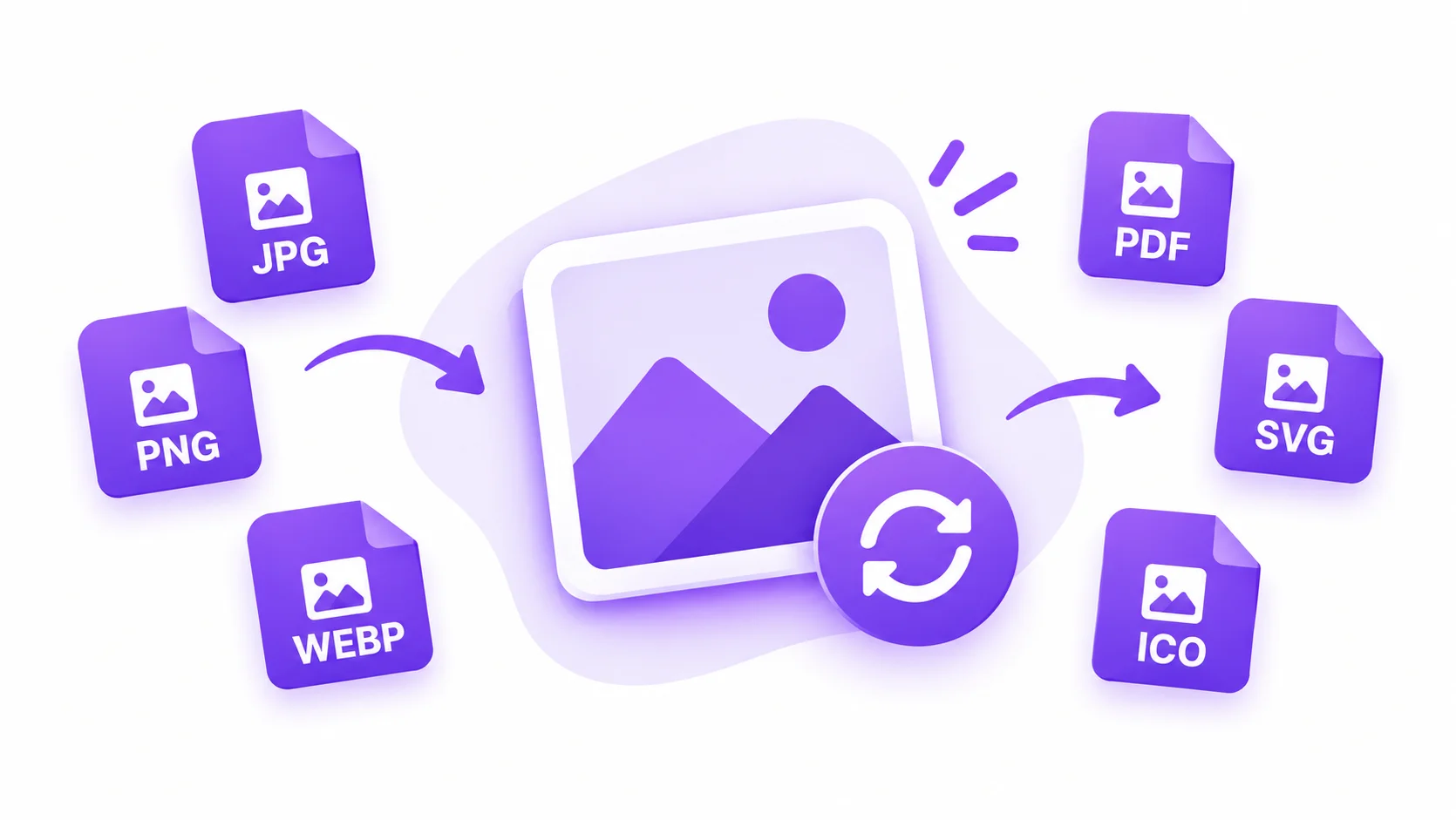
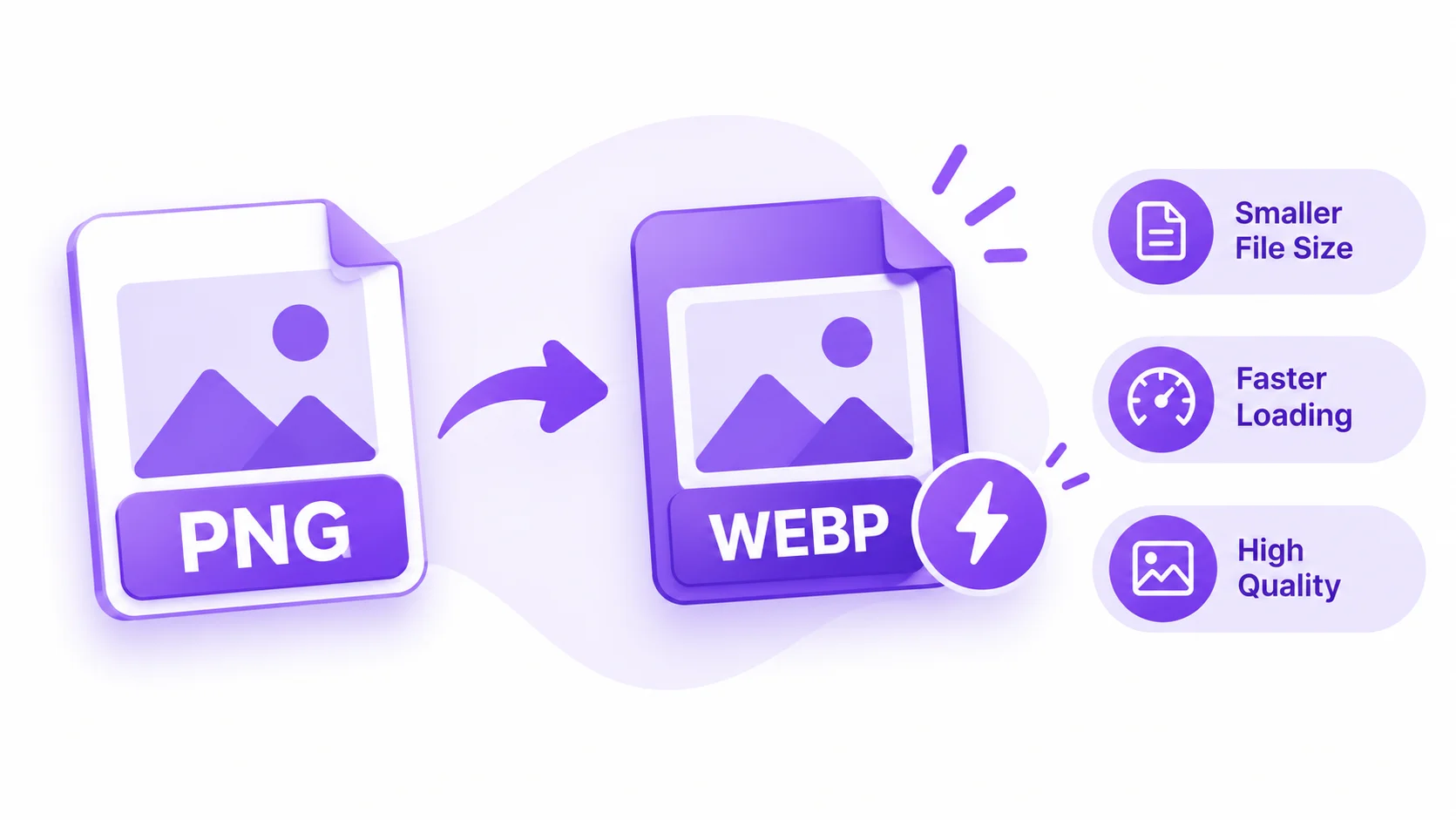
Why Convert PNG to JPG?
Converting PNG images to JPG can help reduce image file sizes while keeping images looking clear. Smaller images can also help improve website performance and loading times.
Free, fast, unlimited, and no signup required. Convert your PNG images to JPG online with IxieVerse.
Frequently Asked Questions
Is this PNG to JPG converter free to use?
Yes. The IxieVerse PNG to JPG converter is completely free, with no limits on how many images you can convert.
Do I need to sign up or create an account?
No signup or account creation is required. Just open the tool in your browser and start converting.
Do I need to install any software?
No. The converter runs entirely in your browser, so there's nothing to download or install.
Is my data safe? Do my images get uploaded to a server?
Your images stay private. Conversion happens locally in your browser, so your PNG files are never uploaded to a server.
What happens to transparent backgrounds when I convert PNG to JPG?
JPG doesn't support transparency, so any transparent areas in your PNG are automatically filled with a white background during conversion.
Can I convert multiple PNG images at once?
Yes. You can upload and convert several PNG files in one go, then download them individually or all together as a ZIP file.
Can I control the JPG quality and file size?
Yes. A quality slider lets you adjust the compression level, so you can balance smaller file sizes against image sharpness.
Will converting to JPG reduce my image quality?
Is there a limit to file size or image dimensions?
No strict limits are enforced, but very large images may take longer to process since conversion happens in your browser.